Every pass.
On your line.
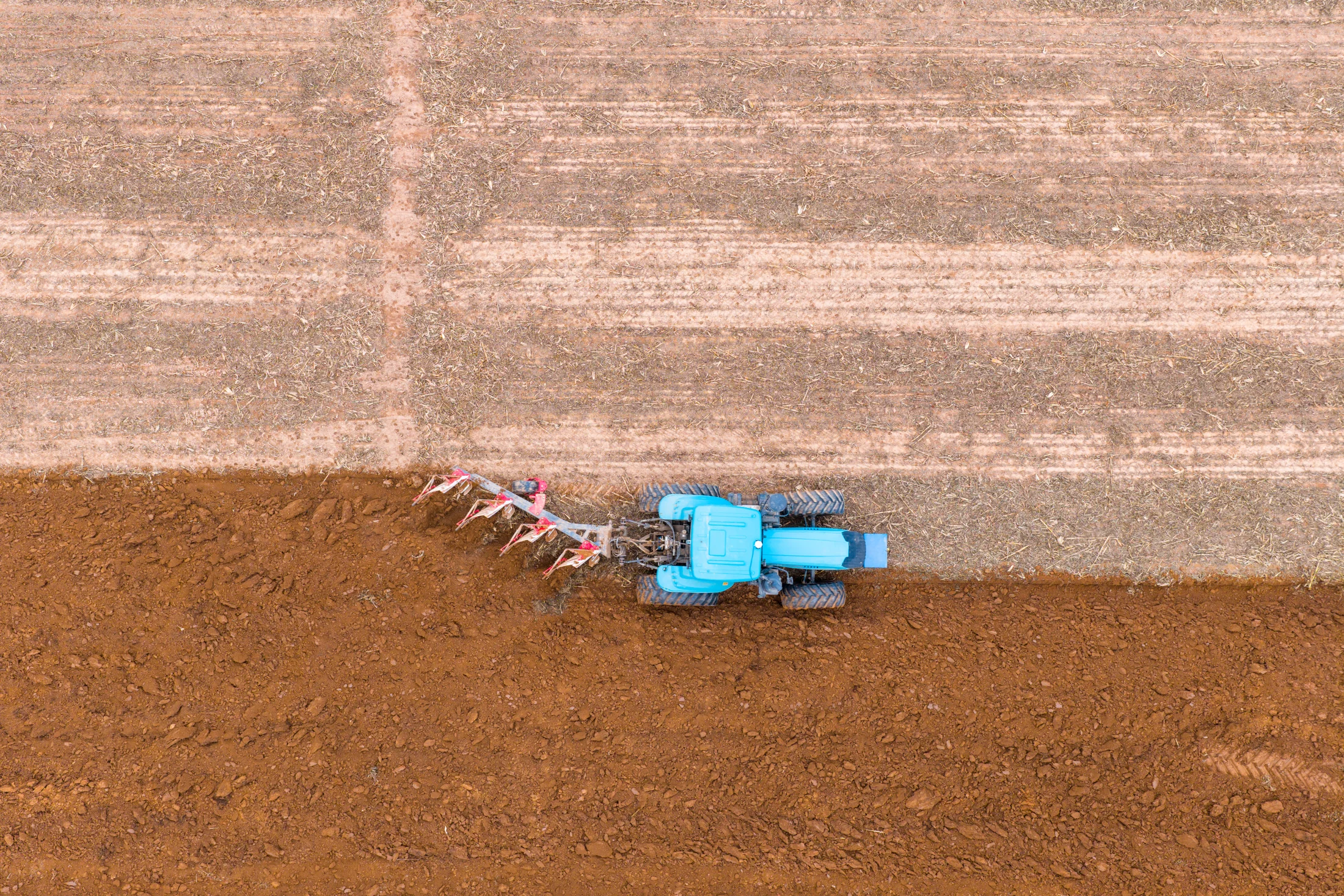
Bring RTK tractor autosteer to your field work. A connected console, a clearer view, and control that stays within reach.
Small corrections.
A better working day.
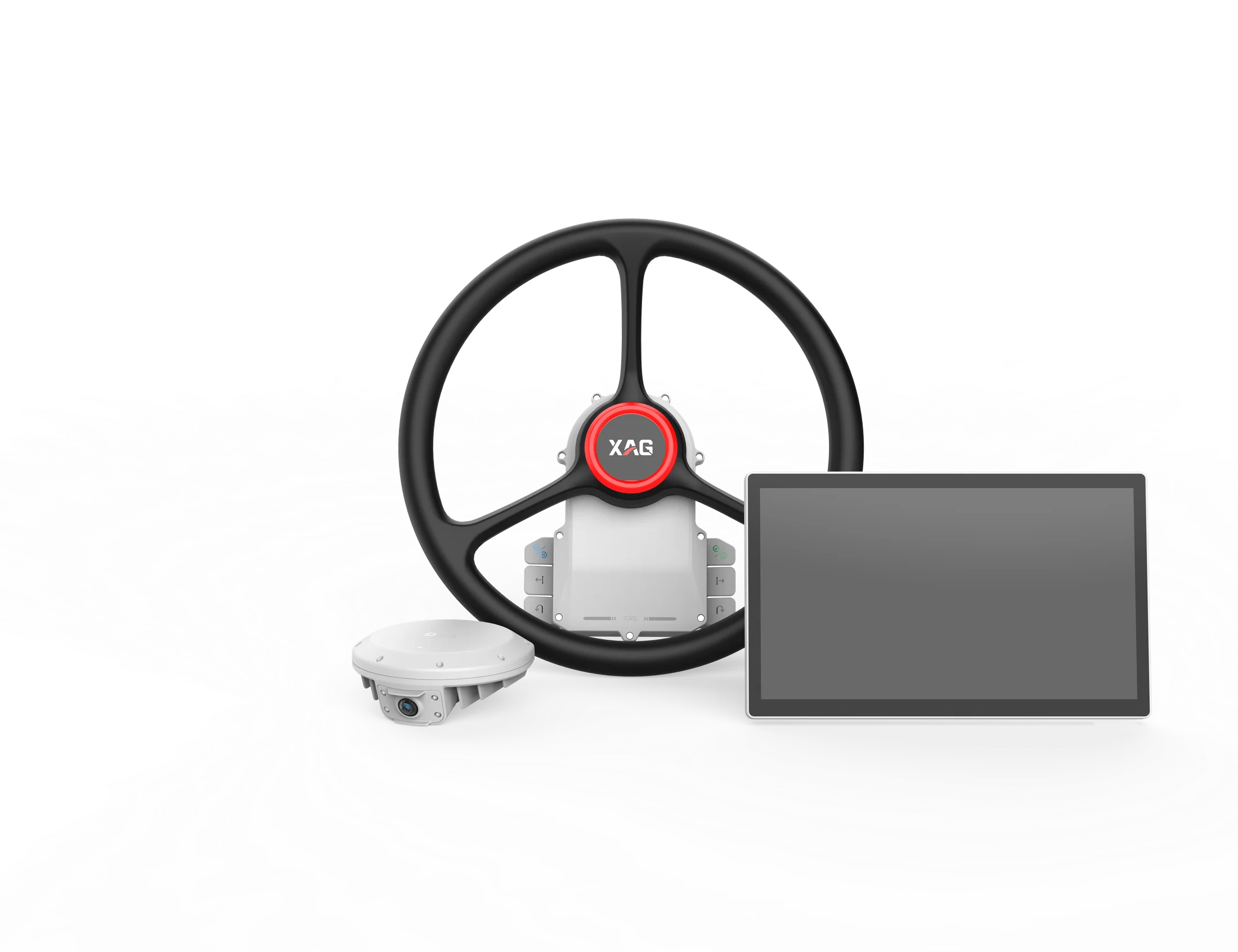
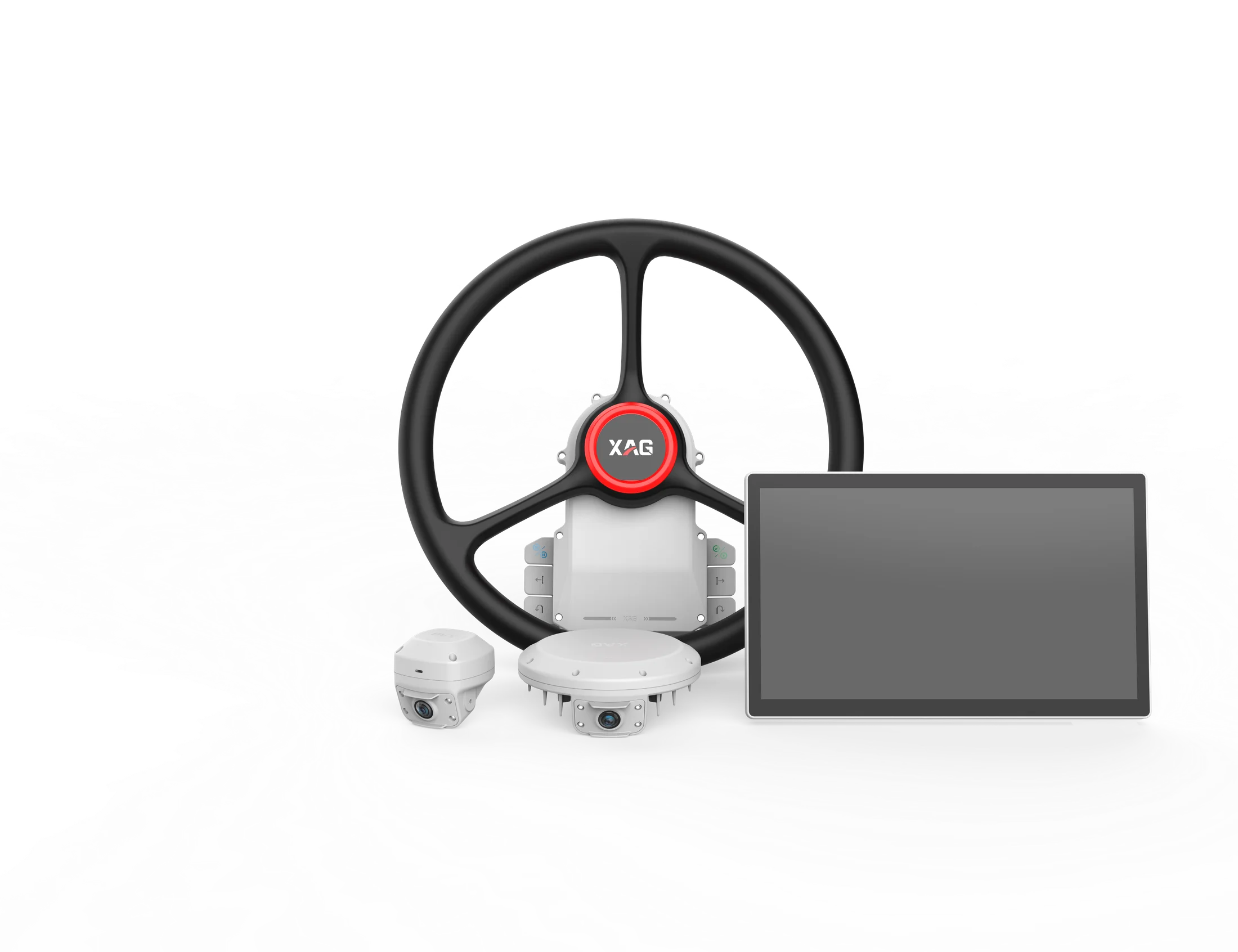
Keep your attention on the operation while APC4 helps hold the guidance line. Its integrated positioning, electric steering and control panel bring repeatable passes to the machinery you work with.
RTK figures require the appropriate correction setup. The wireless range refers to APC4 paired with the optional XRTK S1 station; site conditions affect performance.
Precision starts with the right connection.
Choose a positioning setup around the coverage available on your farm. SkyFlow can help match the correction source to your location, machinery and working routine.
Compare positioning options ↓Cloud / Network RTK
Use internet-delivered corrections for ±1.5 cm positioning accuracy. Confirm local coverage and any service subscription.
PPP & PPP-AR
Satellite-based positioning options without a local base station or internet. PPP offers decimetre-level positioning; PPP-AR supports centimetre-level positioning where the service is available.
XRTK S1 station
Pair the optional local station with APC4 for RTK positioning and a wireless link up to 5 km.
From the cab.
Across the field.
XAG APC4 introduction film with English on-screen text. Use the player controls for sound and playback.
One system.
A more connected cab.
The intelligence above the cab.
The compact smart mainframe brings positioning and computing together. Field mapping and vision-based row-following extend the system beyond a single guidance line.
ISOBUS integration is planned to bring compatible implements into the same terminal. Availability follows XAG’s release schedule.
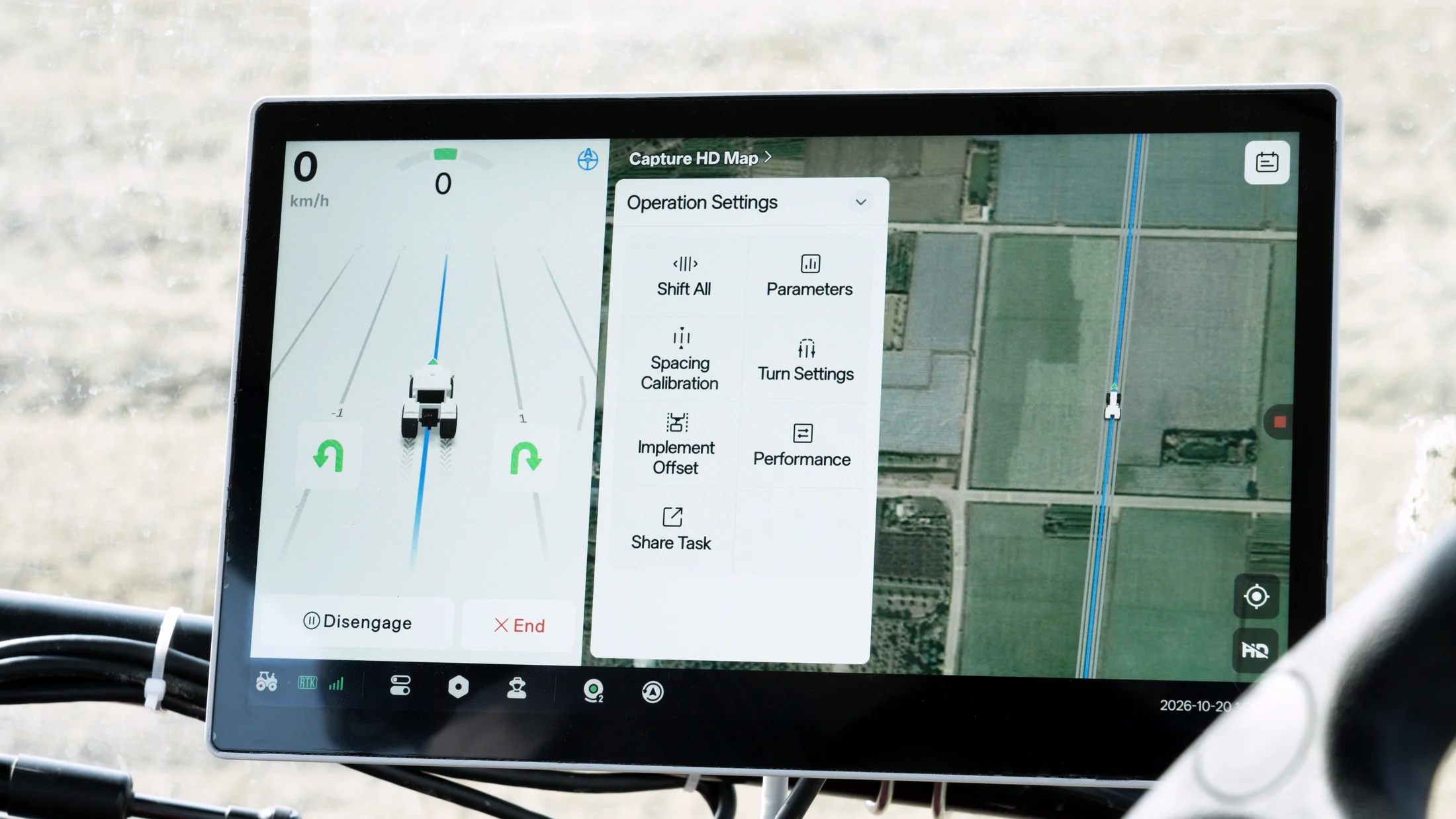
A clear view of the job.
The 13.3-inch XP1 panel combines guidance and operation monitoring on one display. Its 1,000-nit brightness helps keep information visible in sunlight.
Review the route, check progress and move between tasks from an integrated touchscreen workspace.
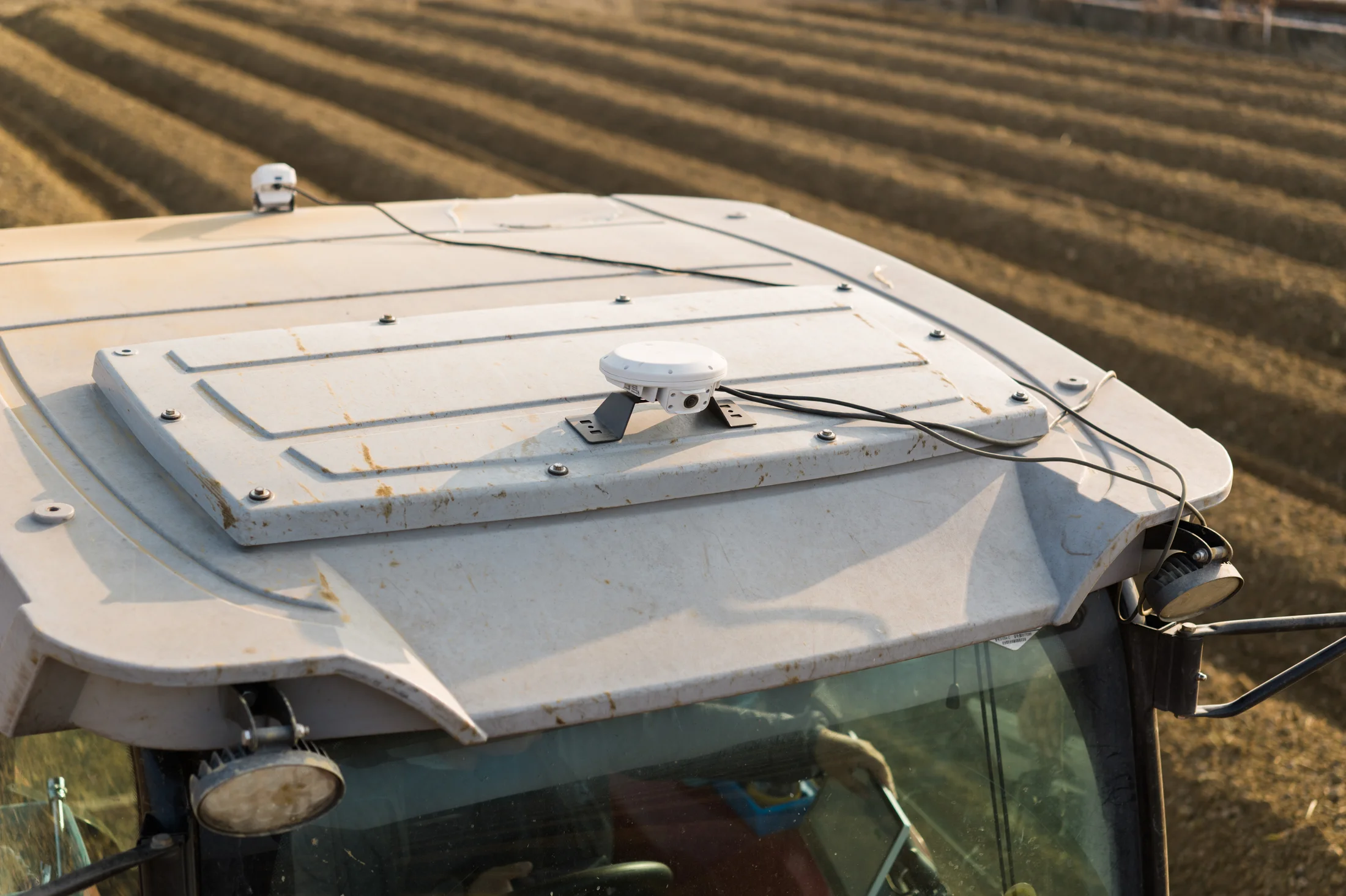
See the operation around you.
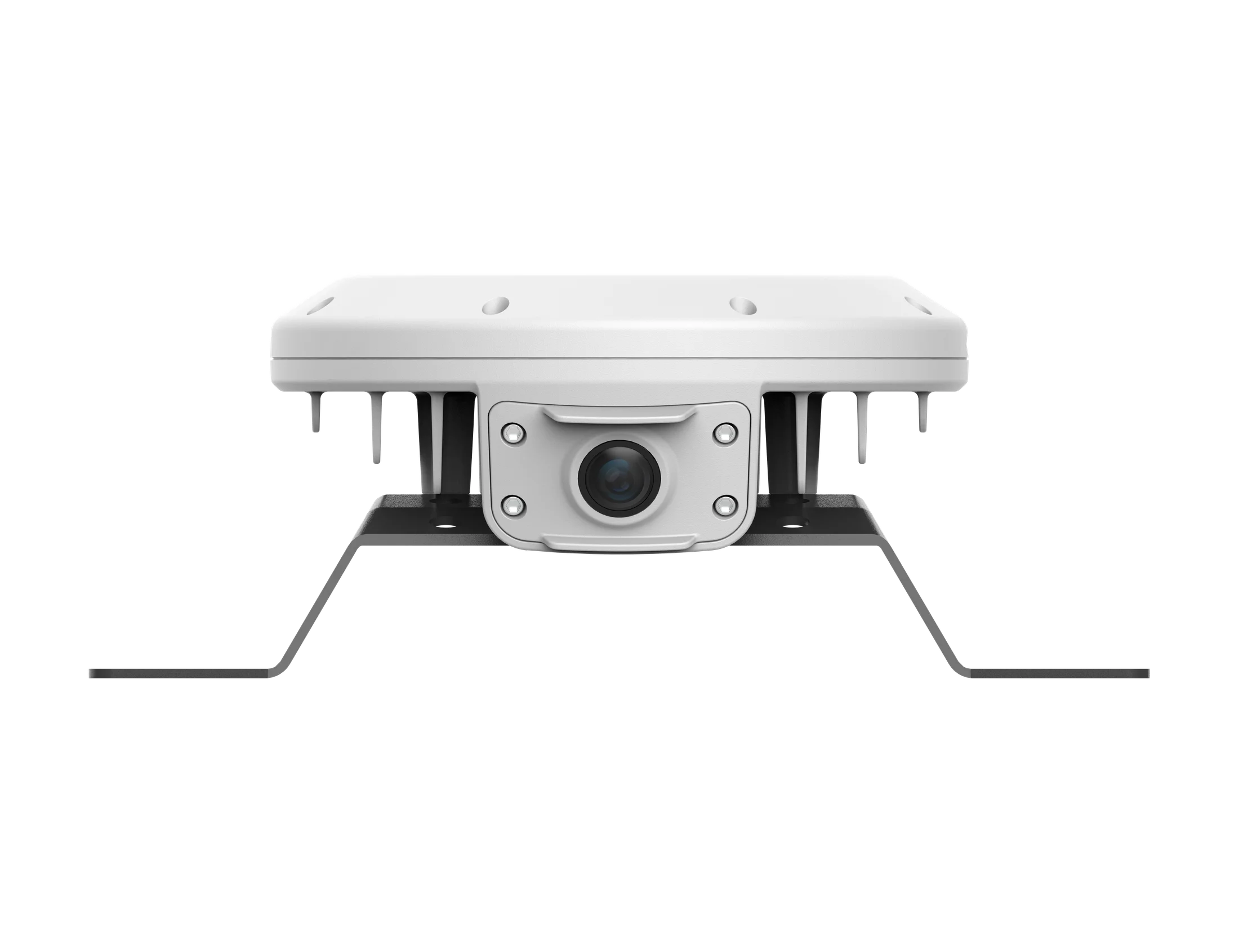
5 MP digital cameras add front and rear views. The optional rearview camera supports live implement monitoring, helping you check what is happening behind the machine.
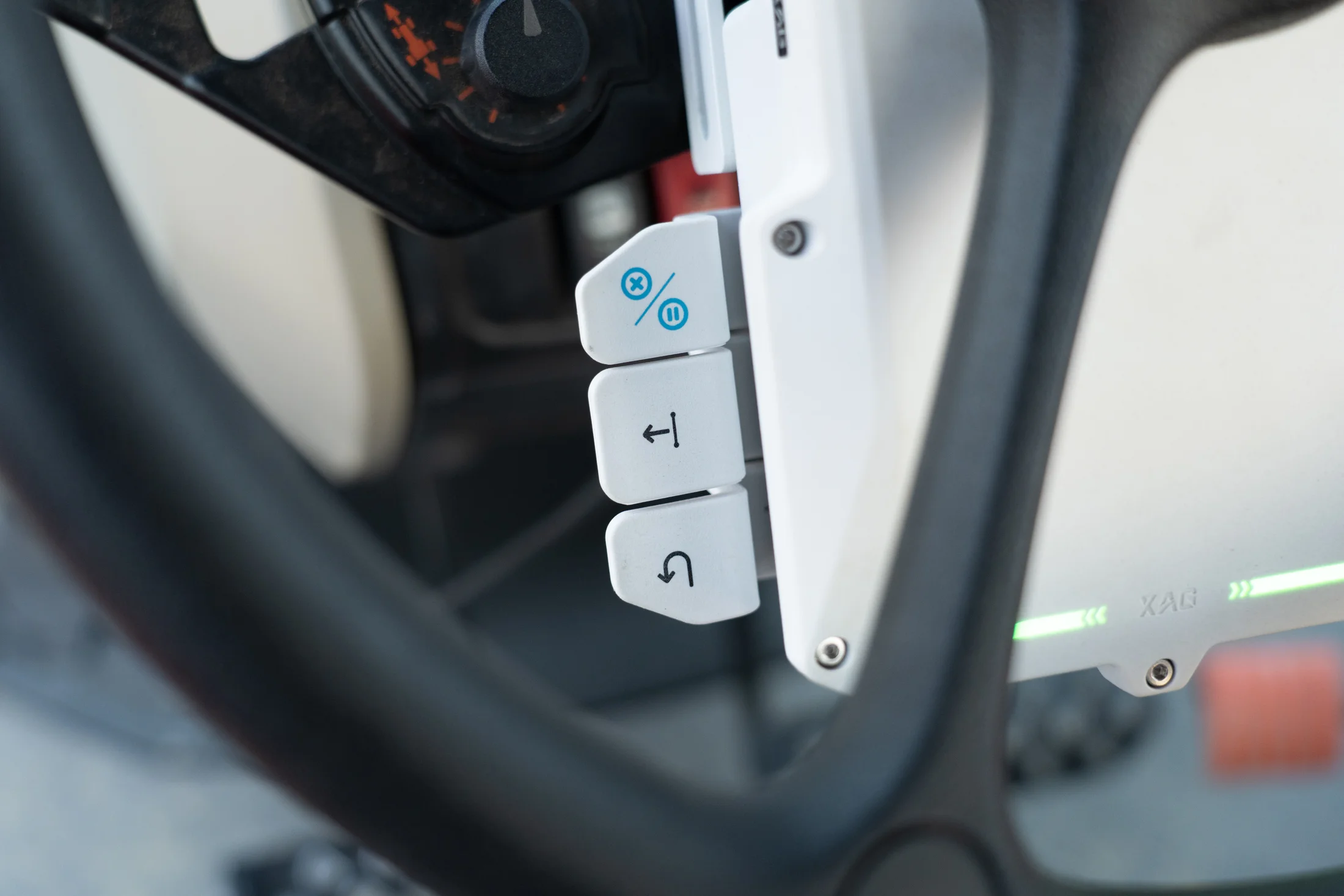
Keep shortcuts at your fingertips.
Paddle controls put start, pause, turning and offset actions within reach. The high-torque electric steering drive carries out the steering corrections.
Camera-enabled vision and monitoring functions require the relevant digital rearview camera add-on.
Less repetitive steering.
More focus on the work.
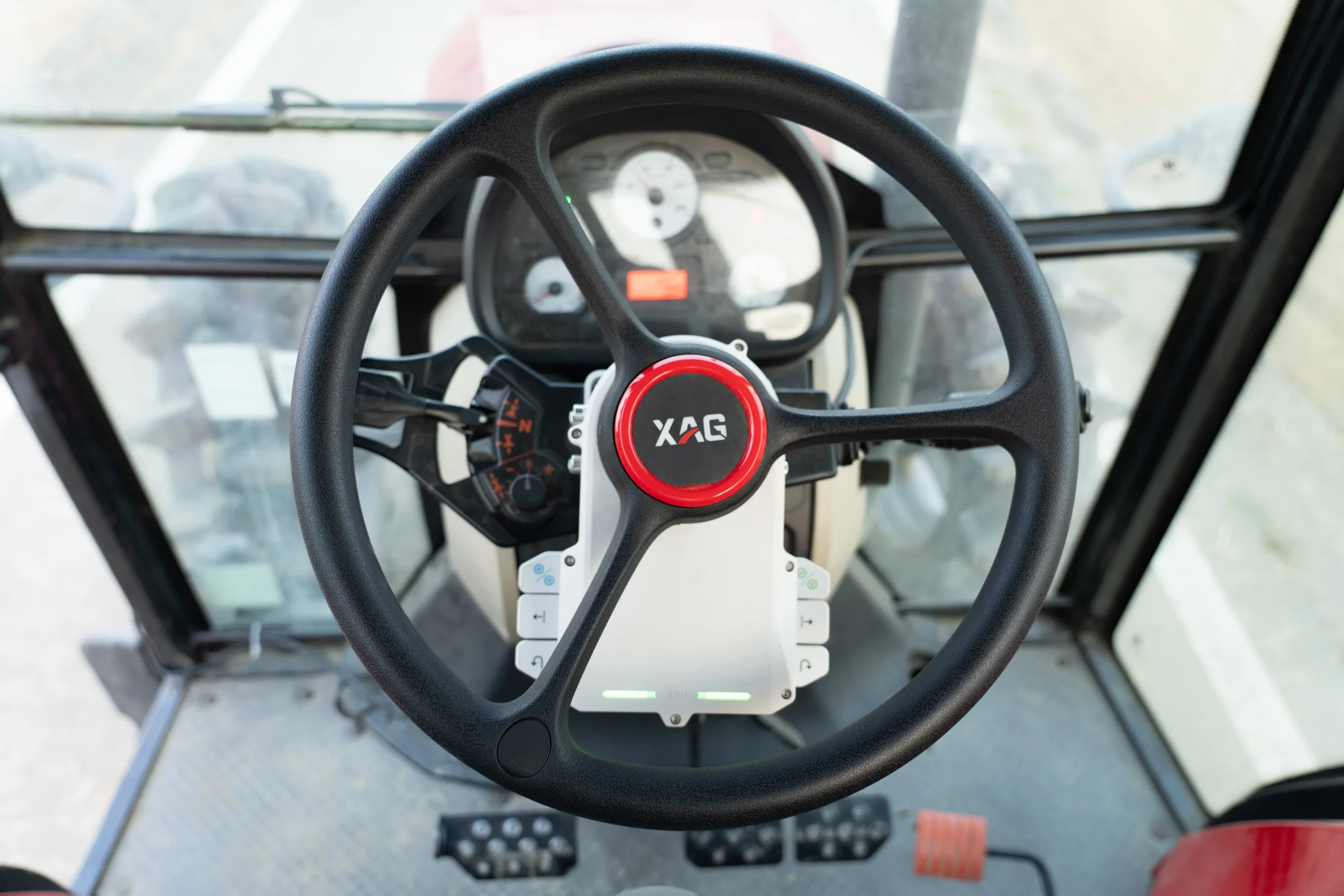
From the first line to the next turn.
A guided interface brings route setup and live operation status together. XAG-developed functions are offered without feature charges, with updates delivered over the air.
Third-party RTK, PPP-AR or ISOBUS services may have separate fees. We’ll identify the required services when planning your configuration.
Choose the line.
Let the system follow.
Work with straight lines, curves and task-specific guidance. Explore the modes below, then configure the actual implement and route in the XP1 panel.
AB straight
Parallel passes for open fields. Set the first line, then work across the field.
Illustrative route pattern. Set the actual route, implement width and operating parameters in the control panel.Smart U-turn
Guide the machine into its next pass with a one-click turning workflow.
Interlaced U-turn
Use an interlaced turning pattern where the working layout calls for it.
Plan headland clearance and turning parameters for the tractor and implement. The operator remains responsible for supervision and safe operation.
A console for more
than one operation.
From soil preparation to crop care and harvest, APC4 is designed for a range of agricultural machines. Check your machine and implement compatibility with SkyFlow.
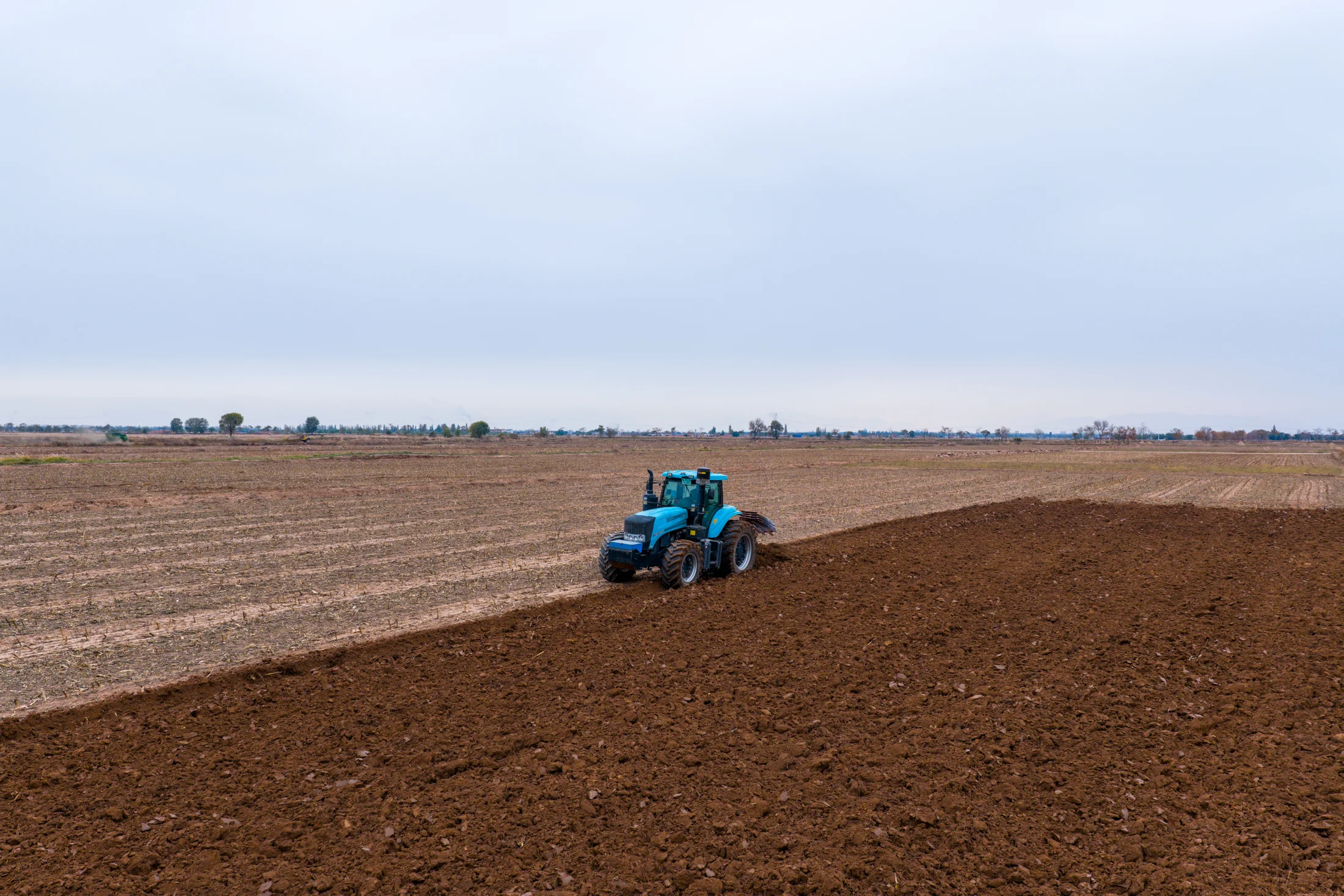
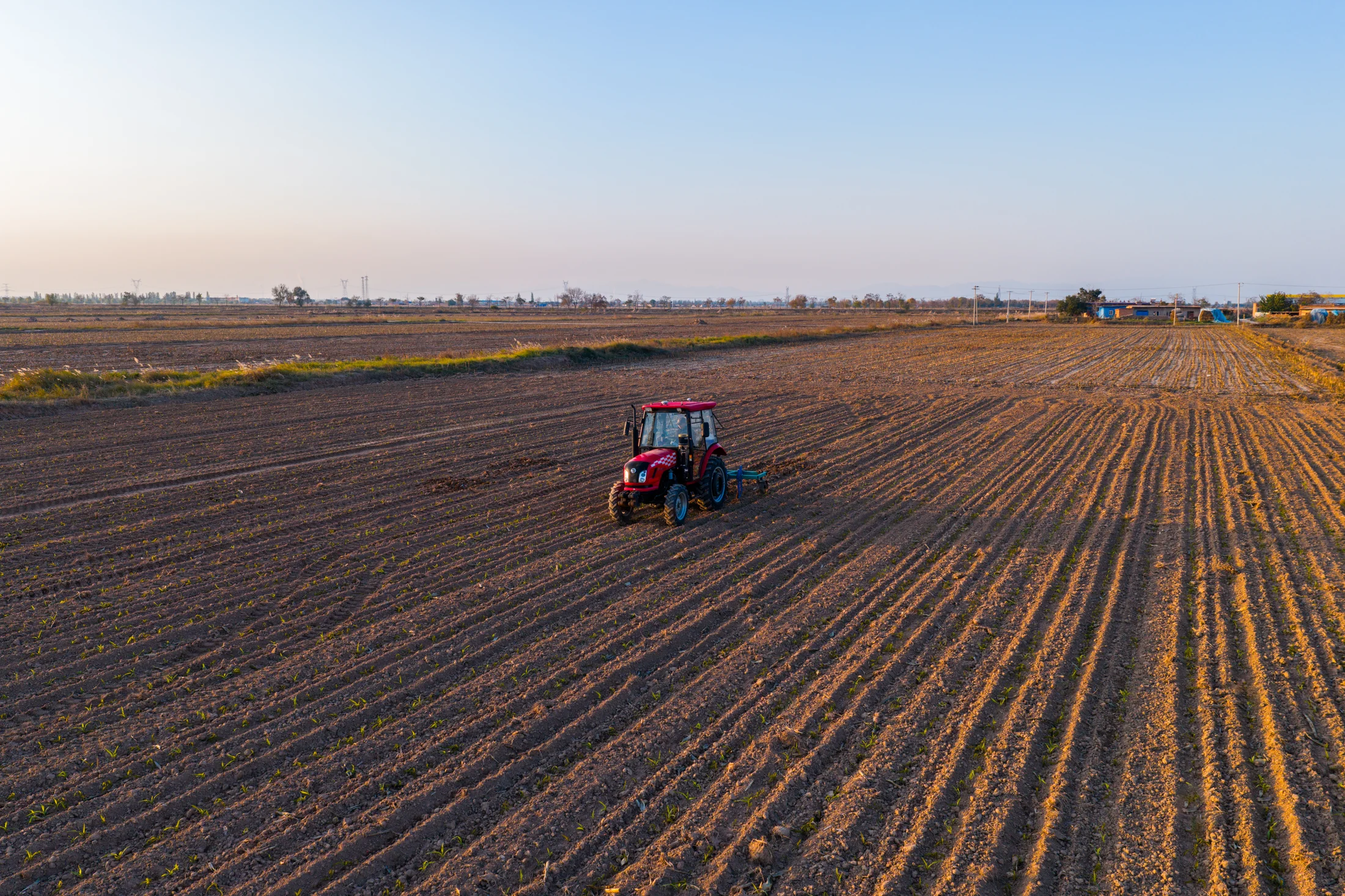
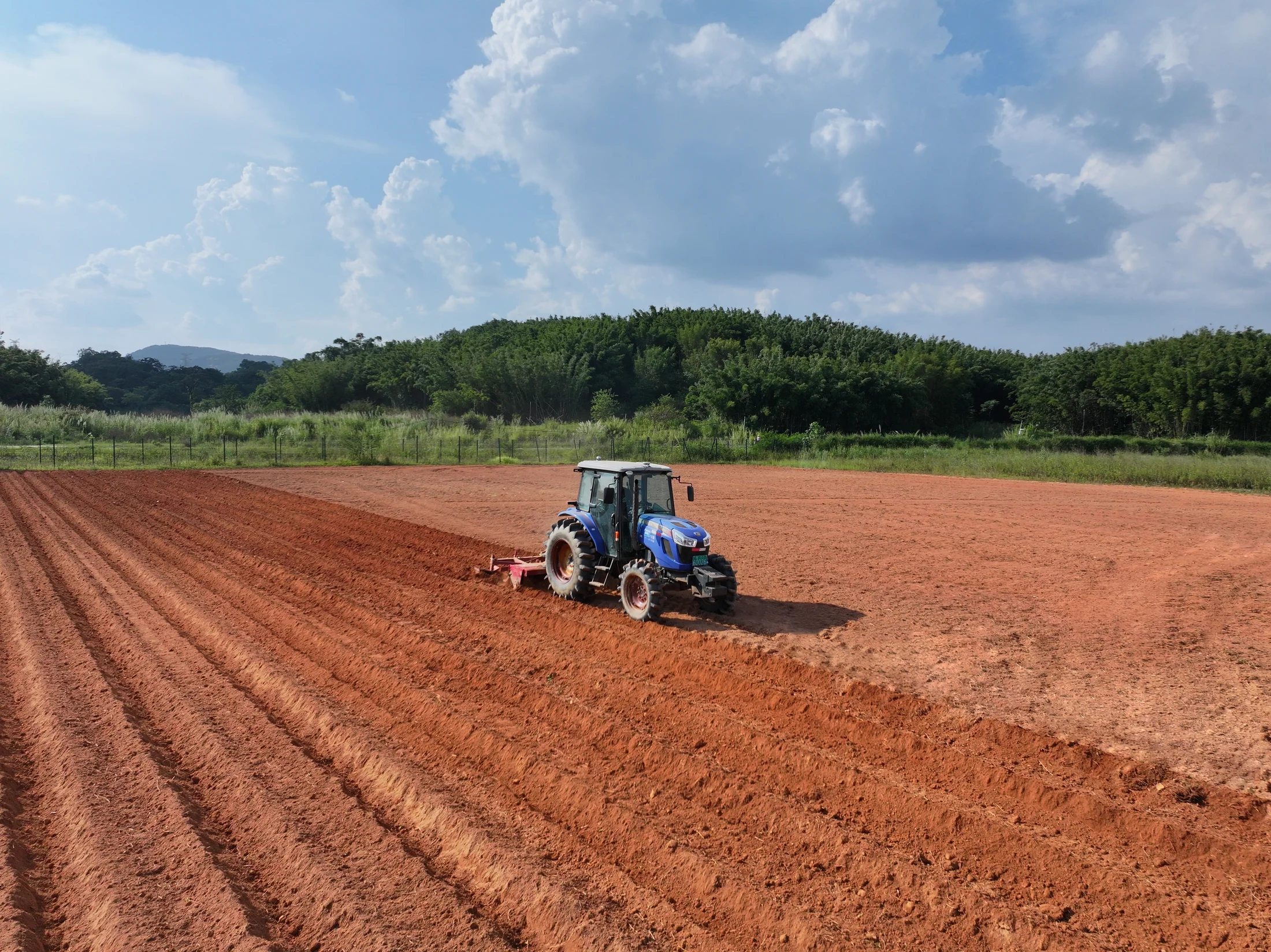
Other supported applications described by XAG include trenching, harrowing and harvesting. The installation and operating configuration depend on the machine.
Mark with the machine
Drive the boundary or establish an AB reference, then generate working routes after setting your parameters.
Mark with a mobile station
Use the optional XRTK7 to record boundary points and close the field outline in the app.
Plan on a field map
Use HD imagery on the XP1 panel to place points and prepare routes with a clearer view of the field.
The right equipment.
For your own fields.
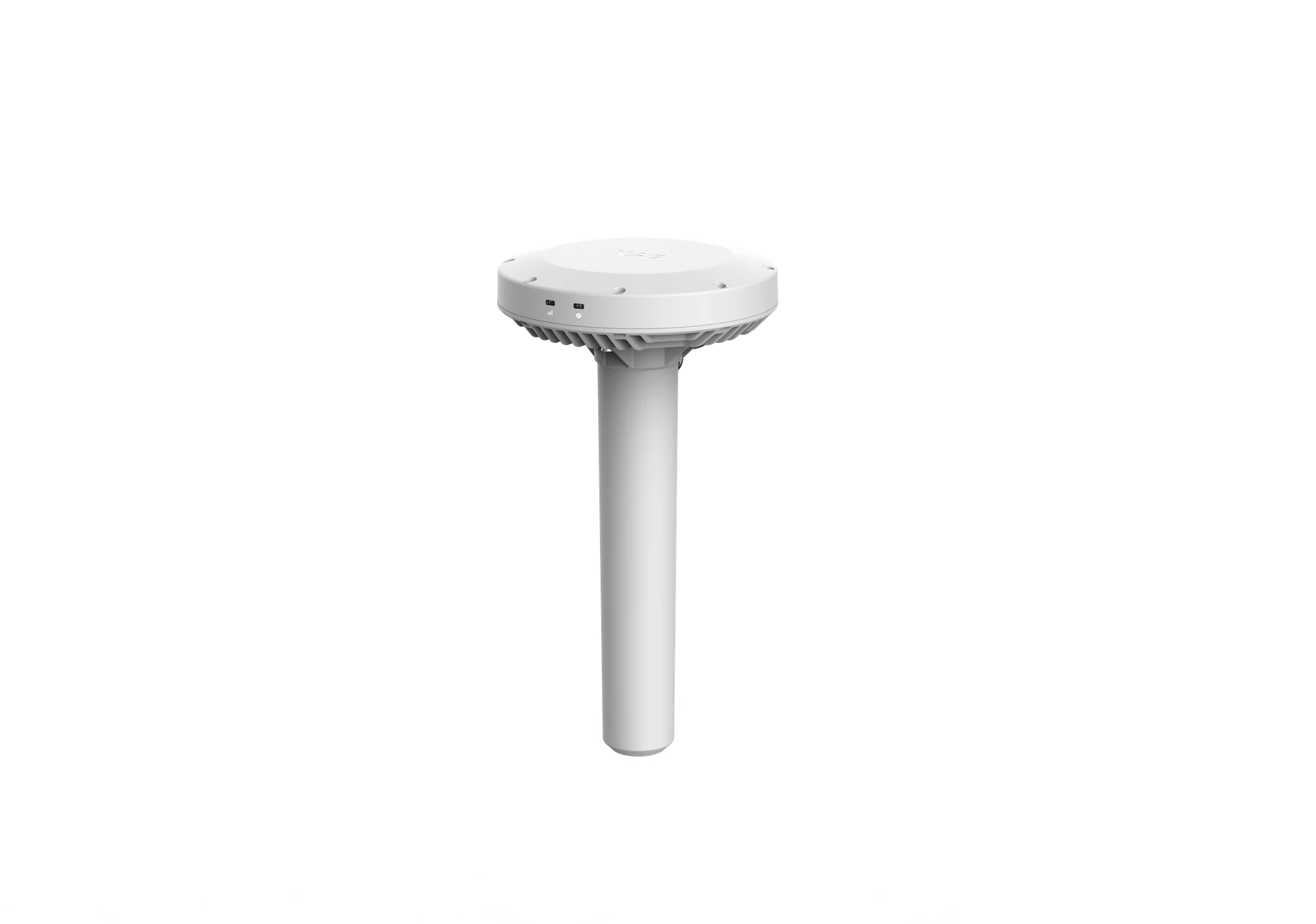
XRTK S1 station
A local correction option for RTK positioning and a wireless connection up to 5 km.
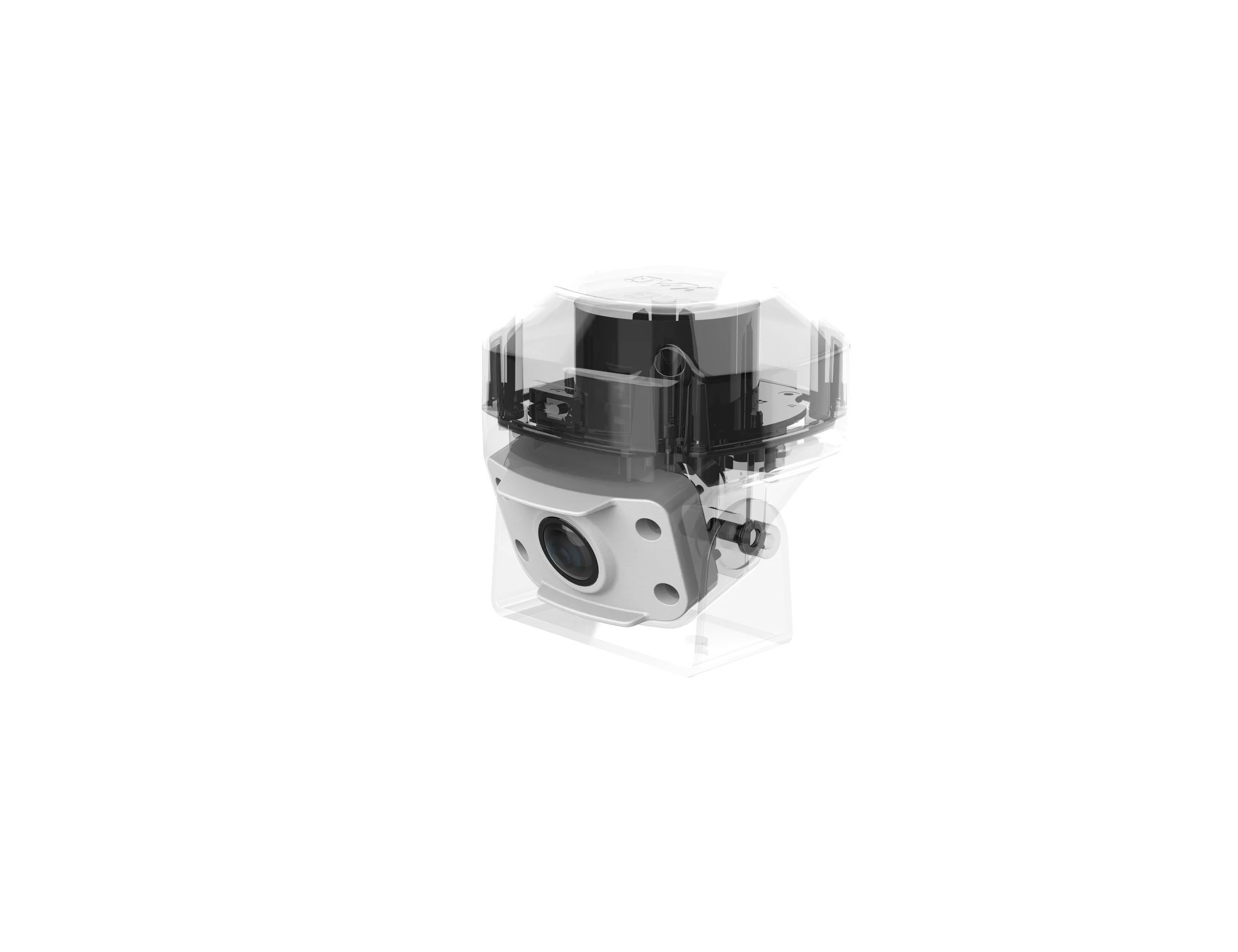
Digital rearview camera
Add a 5 MP view of the implement for real-time monitoring from the cab.
Installation & field setup
Plan the steering, panel and mainframe installation for your machine. An XRTK7 mobile station is also available for boundary marking.
Accessories shown are optional. Your quotation will identify the exact equipment and services supplied.
The numbers behind
the workflow.
- RTK positioning accuracy
- ±1.5 cm
- Control panel
- XAG XP1 · 13.3-inch display · 1,000-nit brightness
- Digital camera resolution
- 5 MP · camera add-on required
- Positioning options
- Cloud / Network RTK, PPP-AR, PPP, XRTK S1 station
- Local station wireless range
- Up to 5 km with XRTK S1
- Guidance modes
- AB straight line, AB curve, AB equidistant curve, drill seeding, diagonal harrowing
- Turning workflows
- Smart U-turn and interlaced U-turn
- Implement integration
- ISOBUS compatibility subject to XAG release schedule
Will APC4 fit my tractor?
APC4 supports a range of agricultural machines. Send SkyFlow the make, model, year and steering configuration so we can check the installation requirements before quoting.
Does APC4 need an internet connection?
Network RTK uses connectivity. Other positioning options include PPP, PPP-AR and an XRTK S1 station. Accuracy, coverage and service availability depend on the selected method and location; PPP-AR and network services may carry third-party fees.
Are the cameras and RTK station included?
The digital rearview camera and positioning accessories are optional. Your quotation will list the hardware, installation items and services included in your configuration.
Is ISOBUS available now?
XAG describes ISOBUS compatibility as subject to its release schedule. Ask us to confirm the current software release and your implement’s requirements before relying on that function.
Can I request a demonstration in Canada?
Yes. Tell us about your machine, location and typical field work. SkyFlow welcomes demonstration requests and will discuss the appropriate setup and scheduling with you.
Let’s put APC4
on your machine.
Tell us what you drive and how you work. We’ll help plan a suitable configuration and prepare a Canadian quotation.