

See the detail.
Make the call.
Native 1K thermal. Three 50 MP cameras. A portable enterprise platform for inspections, search operations and field response.
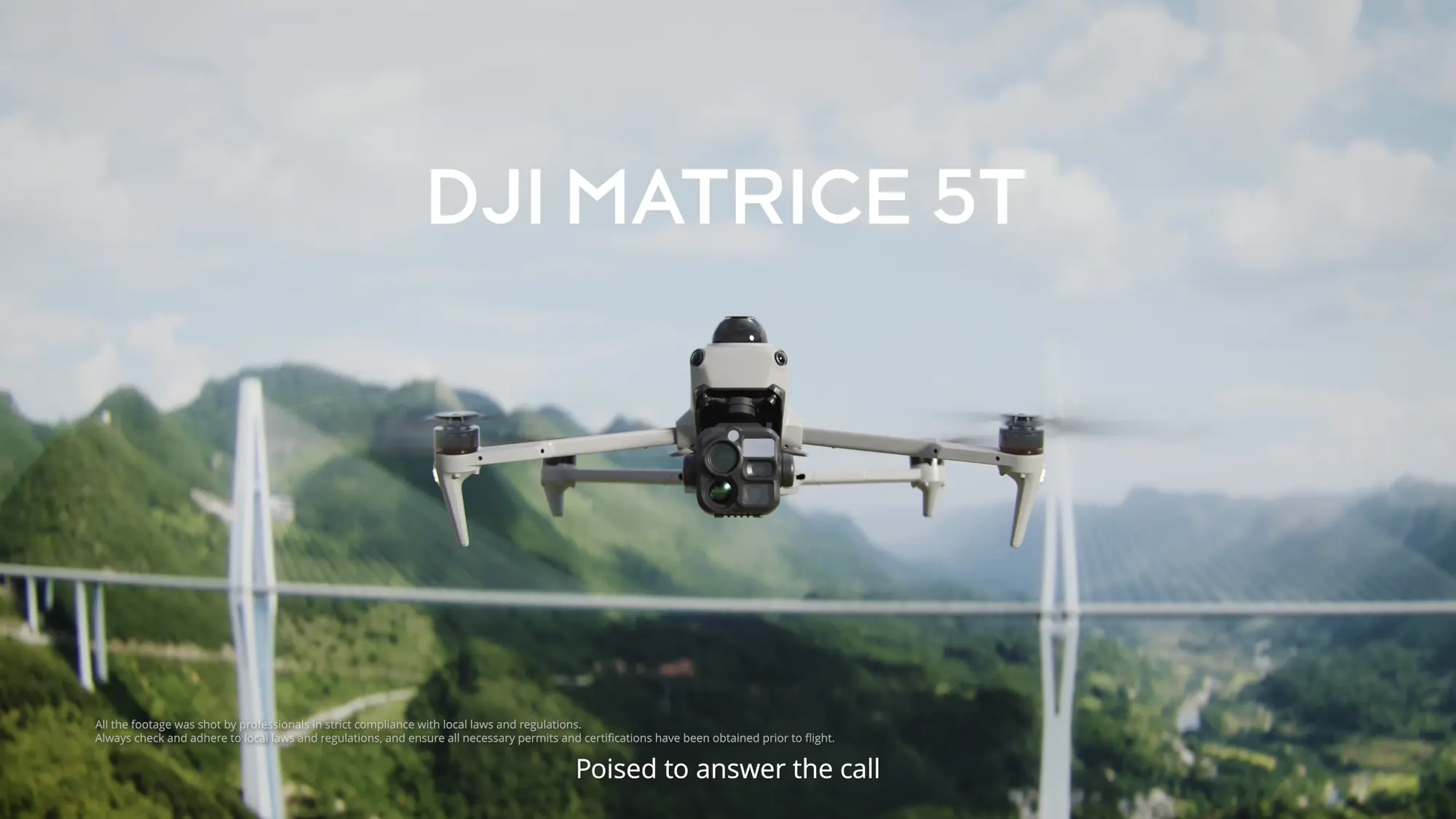
Find the heat.
Identify the detail.
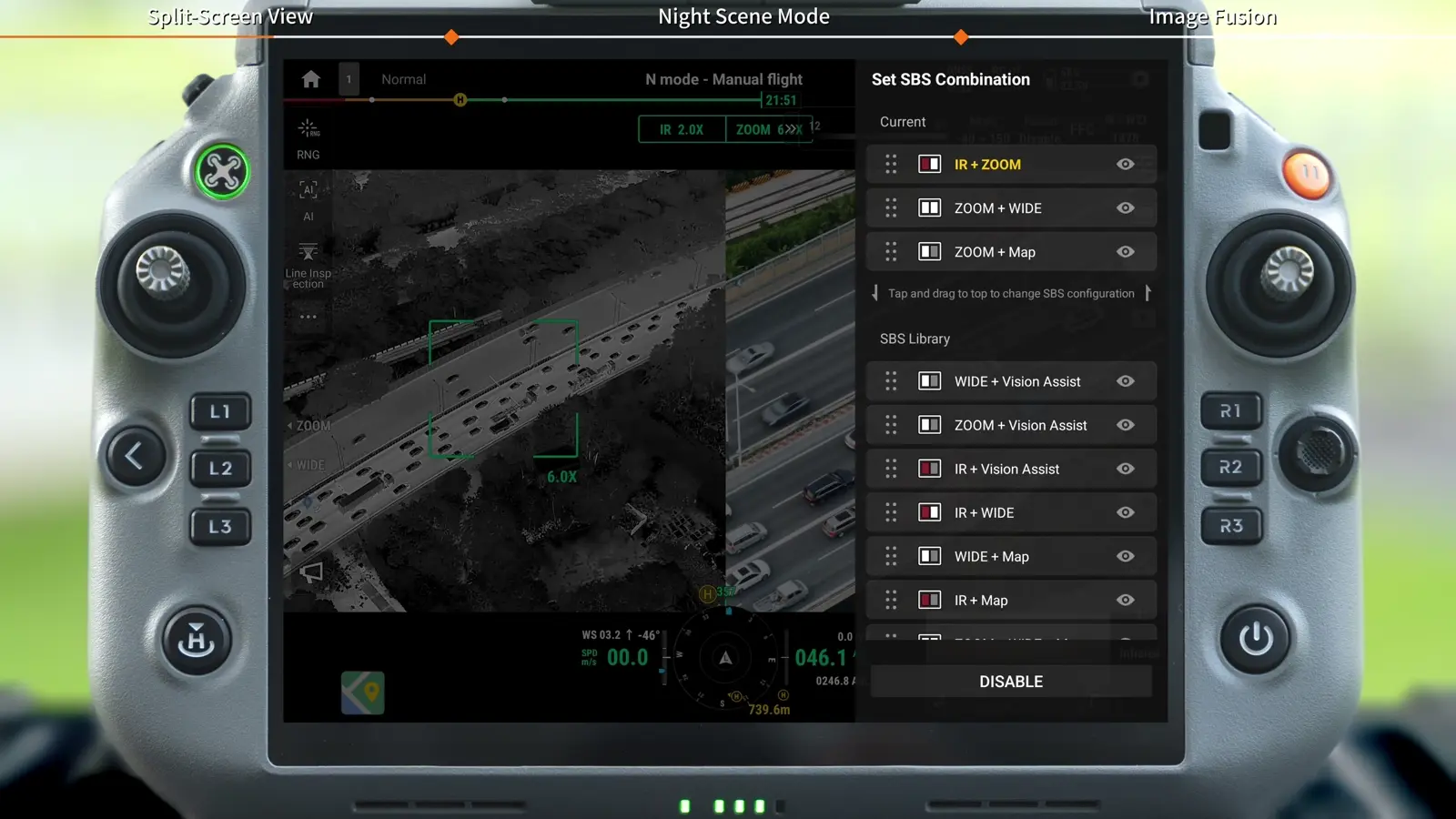
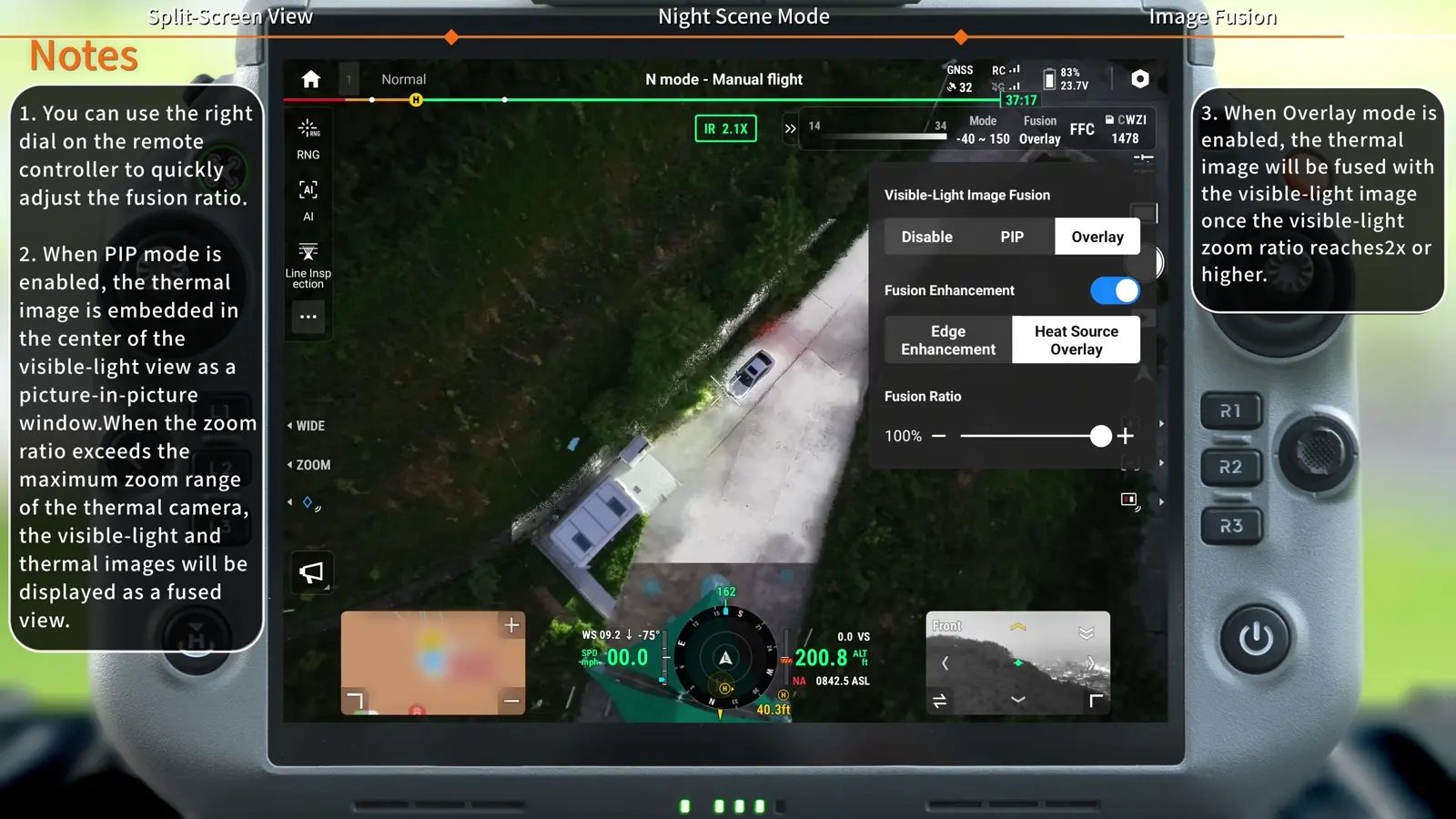
The thermal view locates an area of interest. The visible cameras put it in context. Split-screen and thermal-visible fusion keep those observations together.
Native 1K thermal
1280 × 1024 sensor resolution at 30 Hz. UHR processing produces a 2560 × 2048 image for viewing fine scene detail.
Three perspectives, one aircraft
23.5 mm wide, 70 mm medium telephoto and 252 mm telephoto equivalent focal lengths. Each visible camera captures 50 MP still images.
Work into the night
Night Scene controls, NIR illumination and infrared-cut-filter switching help adapt the view as lighting changes.
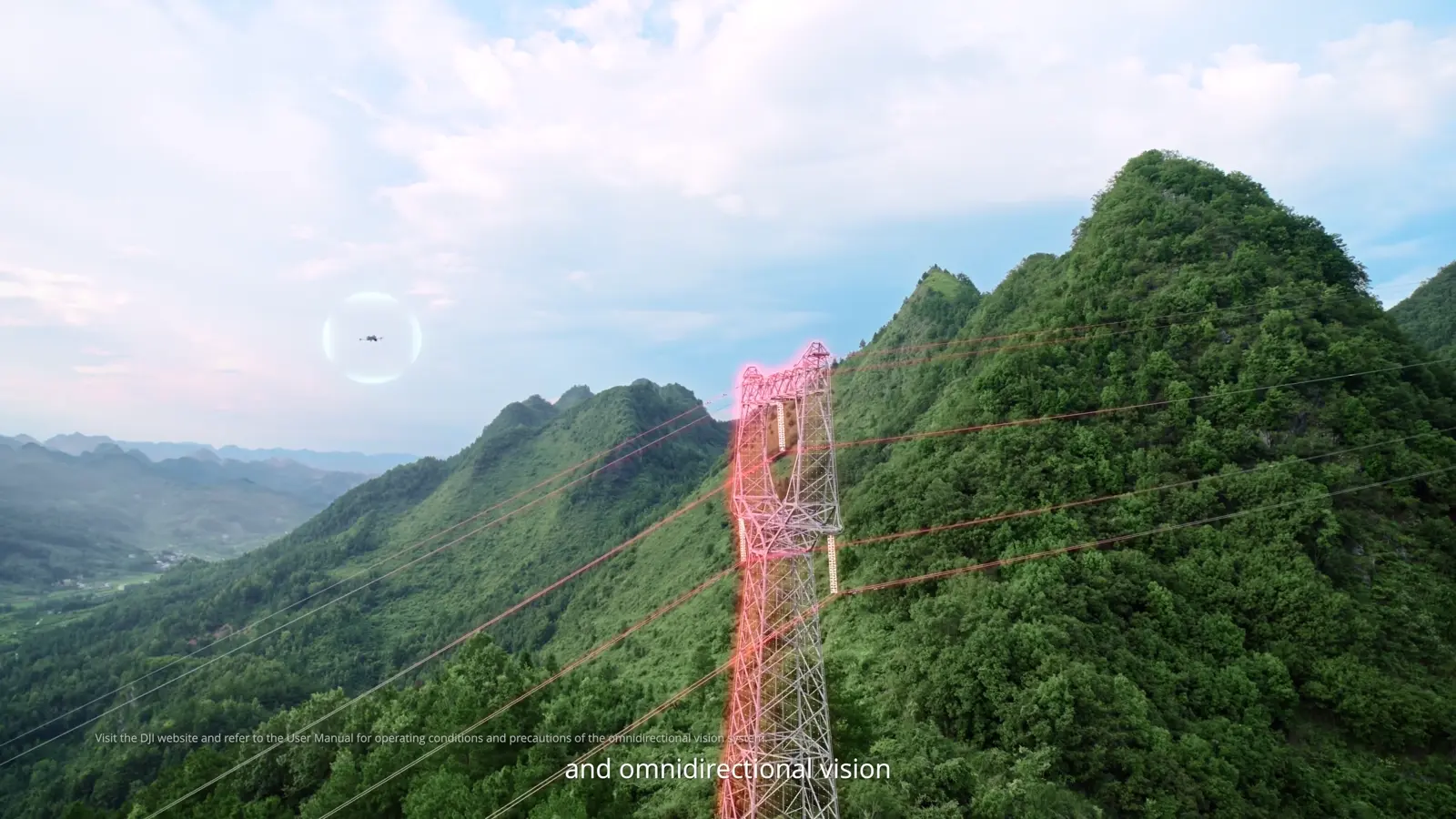
LiDAR. Radar.
Vision. Together.
A rotating LiDAR, millimetre-wave radar and fisheye vision cameras contribute different views of the surroundings. Full-colour Vision Assist adds context while the main camera follows the task.
The aircraft’s IP55 rating and −20°C to 50°C operating range support demanding field assignments. Three E-Port V3 interfaces and a 400 g payload capacity support mission equipment.
Watch the platform introduction ↗One aircraft.
A purposeful field workflow.
Choose the camera, accessories and operating method around the result your team needs.
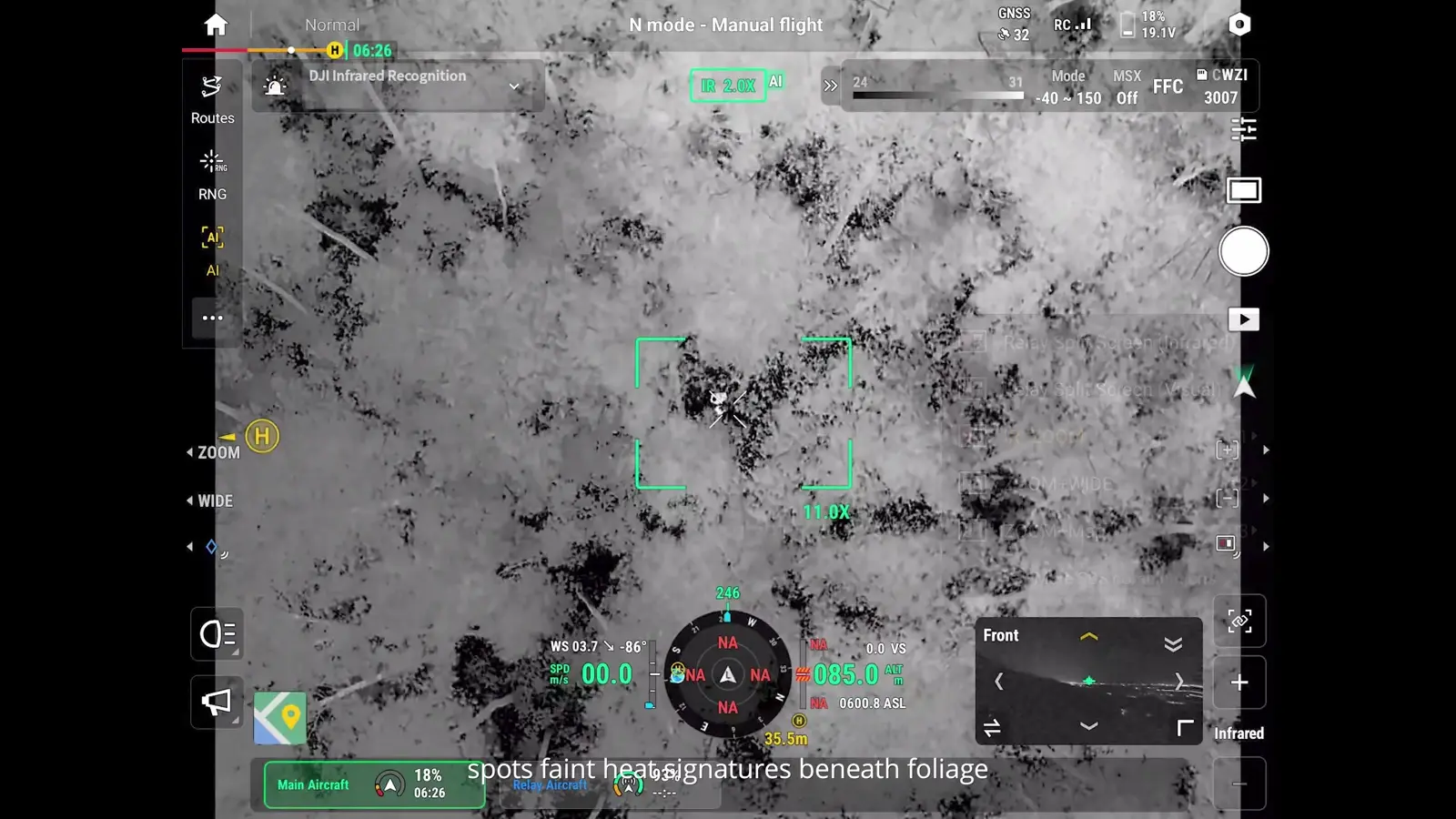
Search & response
Use thermal to find an area of interest, telephoto detail to examine it and a shared location to guide the response. Add AS2 audio for clear aerial instructions.
Explore the workflow ↗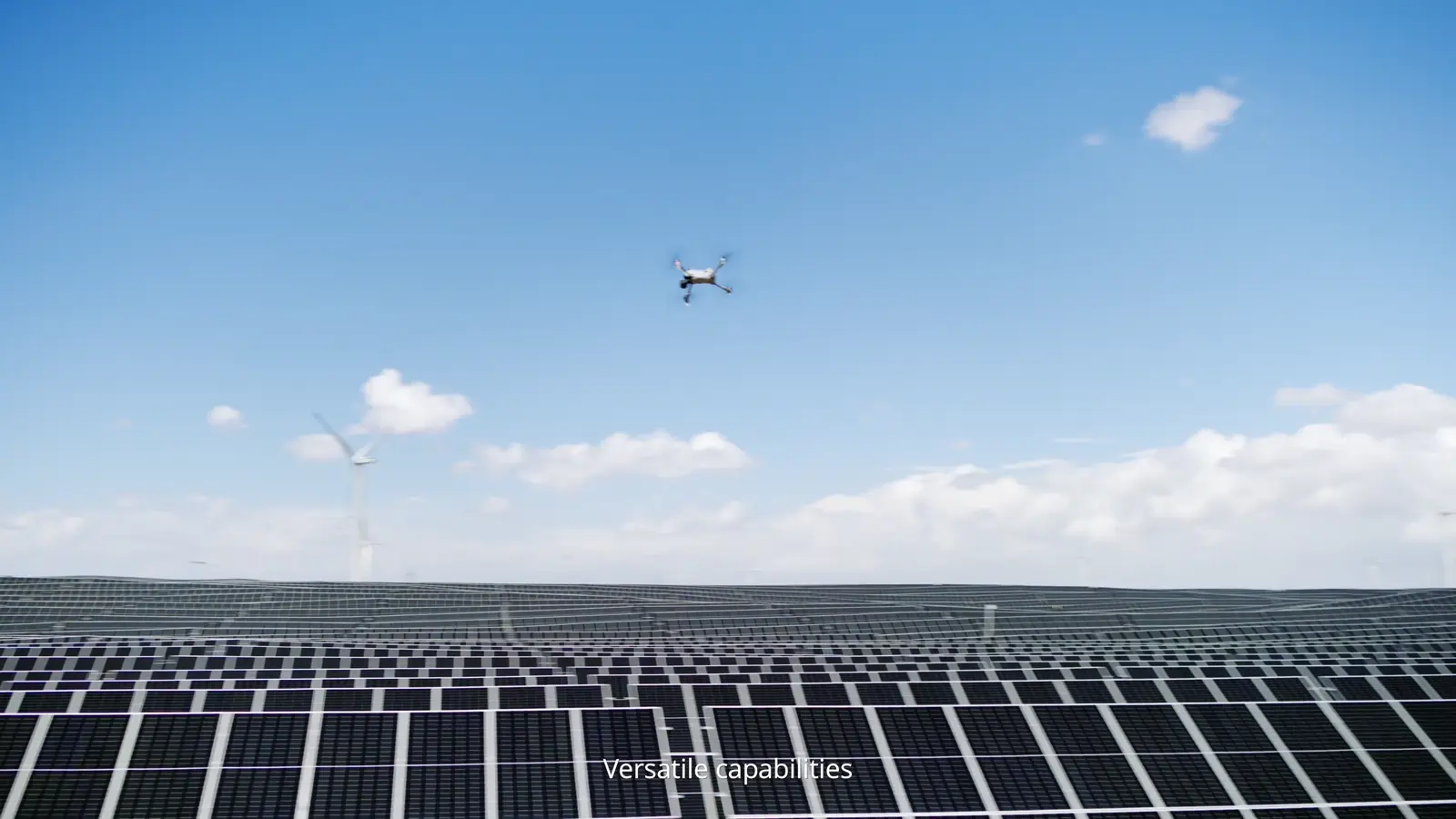
Infrastructure inspection
Pair an asset overview with thermal and close-up visible imagery. Keep the location, camera view and observation together for the inspection report.
Explore the workflow ↗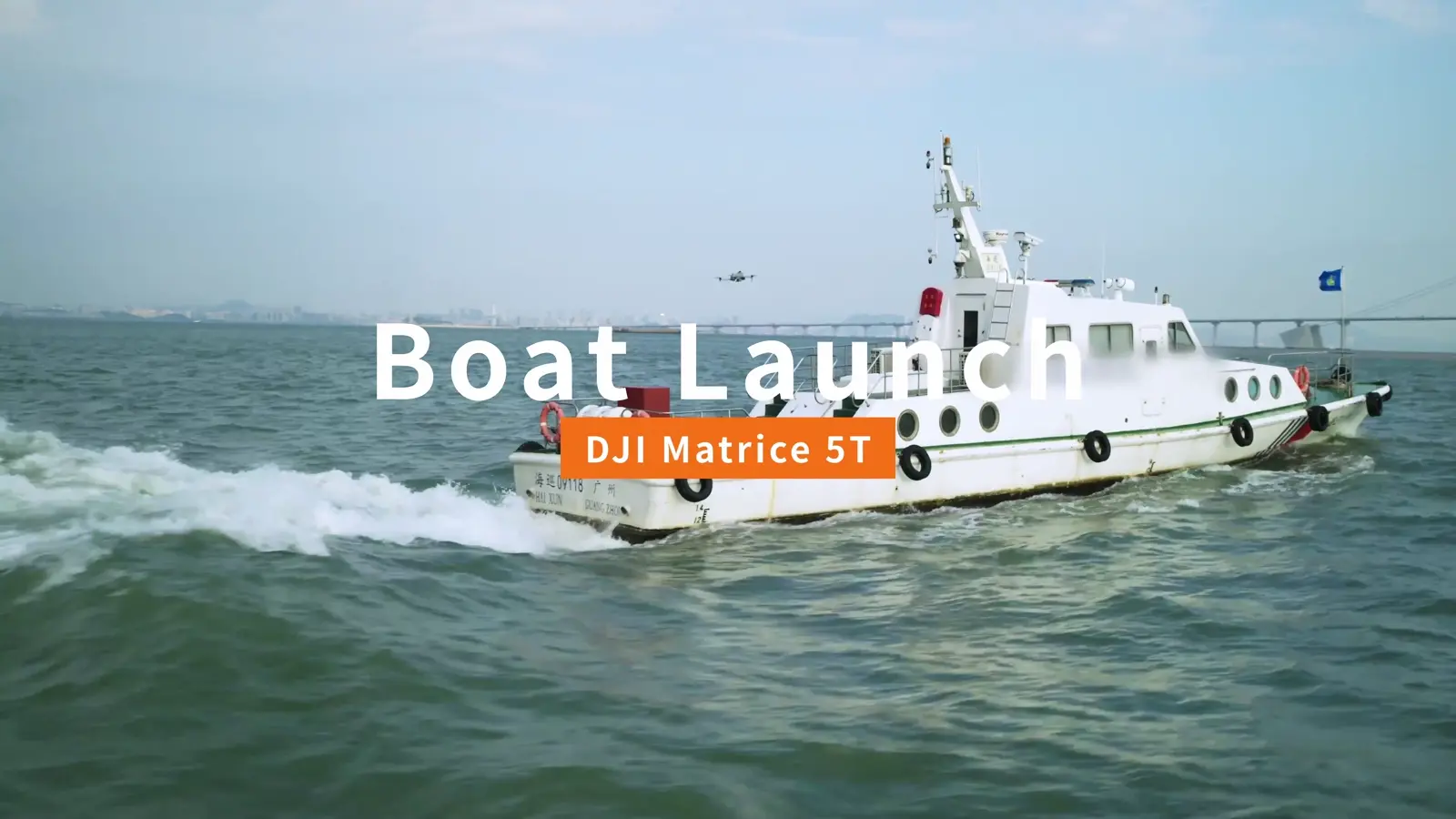
Maritime operations
Prepare a marked deck, moving home point and coordinated vessel course. Follow the boat-operation lesson from setup to Landing Recognition.
Explore the workflow ↗Endurance starts
with the field kit.
DJI lists up to 59 minutes of forward flight. Plan your battery rotation around the fitted payload, mission route and landing reserve.
DJI’s maximum-flight test uses no payload, approximately 9 m/s forward flight and conditions equivalent to no wind at sea level, from full charge to 0%.
215.2 Wh flight battery
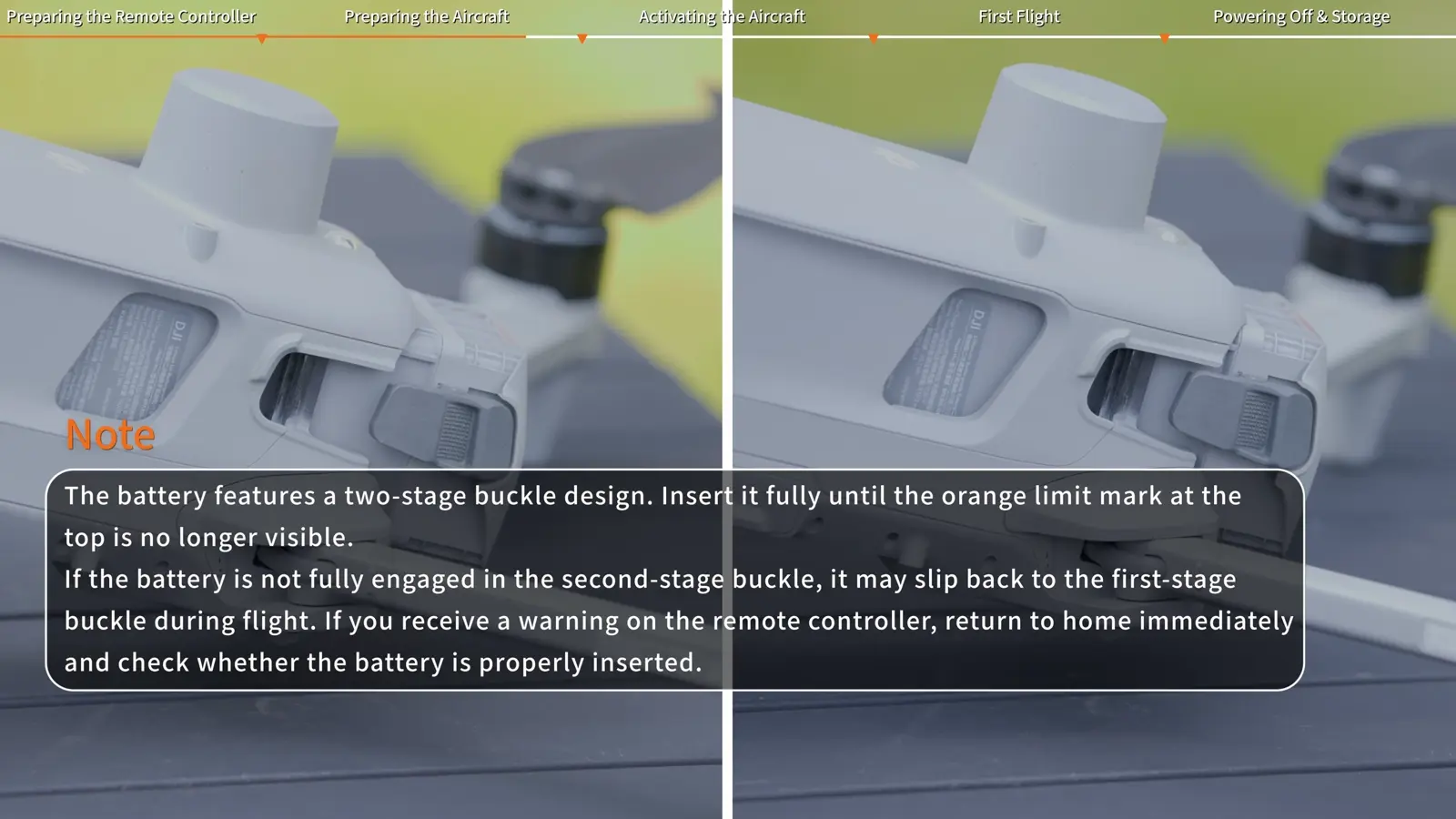
10073 mAh capacity, self-heating and two latches to check during installation.
Three-battery charging workflow
The hub charges sequentially. Choose 100% Standard mode or 95% Standby mode; DJI lists 31 minutes from 10% to 95% at 25°C.
RC Plus 3 Enterprise
A 7.44-inch, 2000-nit display puts DJI Pilot 2, camera controls and mission tools in the operator’s hands.
What’s in the box.
The standard aircraft kit brings together the flight platform, controller and charging equipment. These core quantities match the Canadian supplier packing lists reviewed on 7 November 2026.
The flight battery is included and supplied in a separate shipment. Power cable type and quantity follow the regional package. Choose AL2, AS2, additional batteries and a Care Enterprise Plus package as itemized additions.
- Matrice 5T aircraft with gimbal protector× 1
- DJI RC Plus 3 Enterprise controller× 1
- Matrice 5 Series Intelligent Flight Battery× 1
- Matrice 5 Series charging hub× 1
- Charger× 1
- Propeller pairs× 3
- USB-C to USB-C cable× 1
- Carrying case× 1
- microSD card, installed in aircraft× 1
- Regional power cableIncluded
Start with the aircraft.
Add the mission tools.
 Aircraft kit
DJI Matrice 5T
A portable enterprise aircraft with native 1K thermal, three 50 MP cameras and RC Plus 3 Enterprise control.
Product details & quotation ↗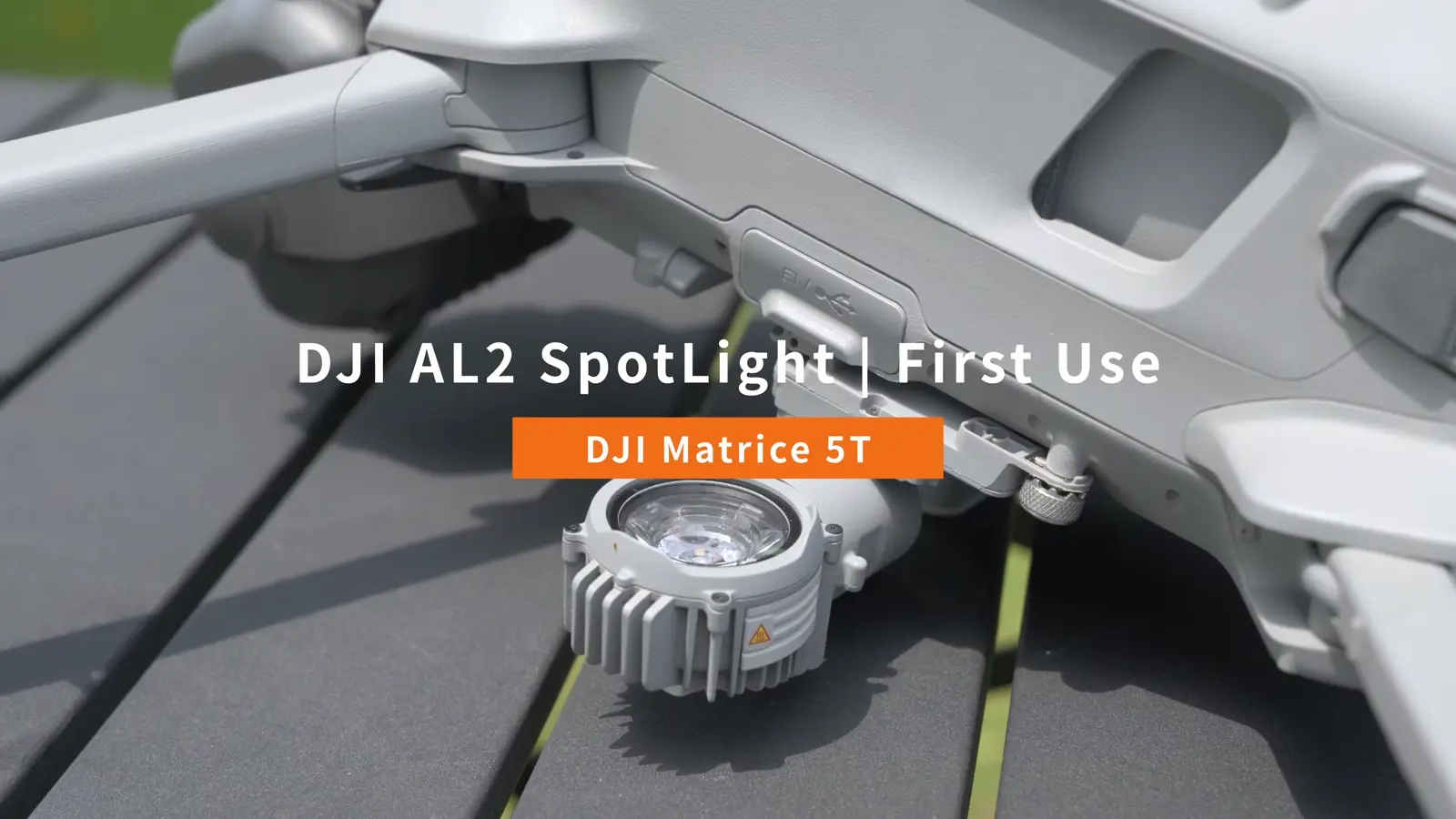 Optional payload
DJI AL2 Spotlight
60 W illumination with flood, spot and combined modes. Aim with the camera and build a night-response kit.
Product details & quotation ↗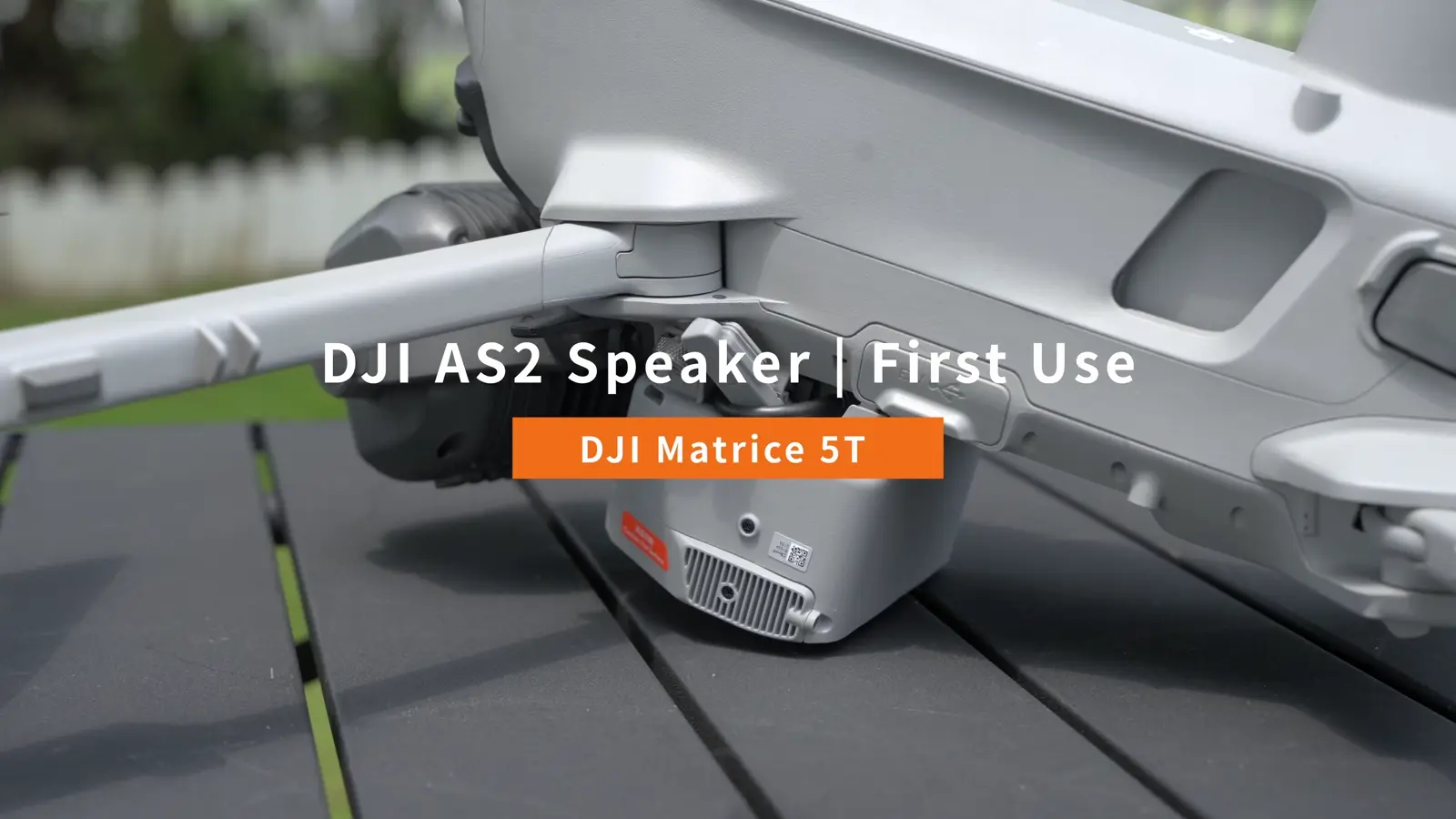 Optional payload
DJI AS2 Speaker
35 W aerial audio with recorded messages, text-to-speech, live broadcast and a five-colour strobe.
Product details & quotation ↗Additional batteryDJI Matrice 5 Series Intelligent Flight Battery
10073 mAh, 215.2 Wh battery with self-heating and a dual-latch installation system for Matrice 5T.
Product details & quotation ↗Charging equipmentDJI Matrice 5 Series Charging Hub
Sequential charging for three packs, with 100% Standard and 95% Standby modes for fleet preparation.
Product details & quotation ↗Eleven videos.
A clear next step.
Each tutorial has its own lesson and illustrated walkthrough. Move from first use to camera skills, accessories and advanced operations.
 01 / Start here
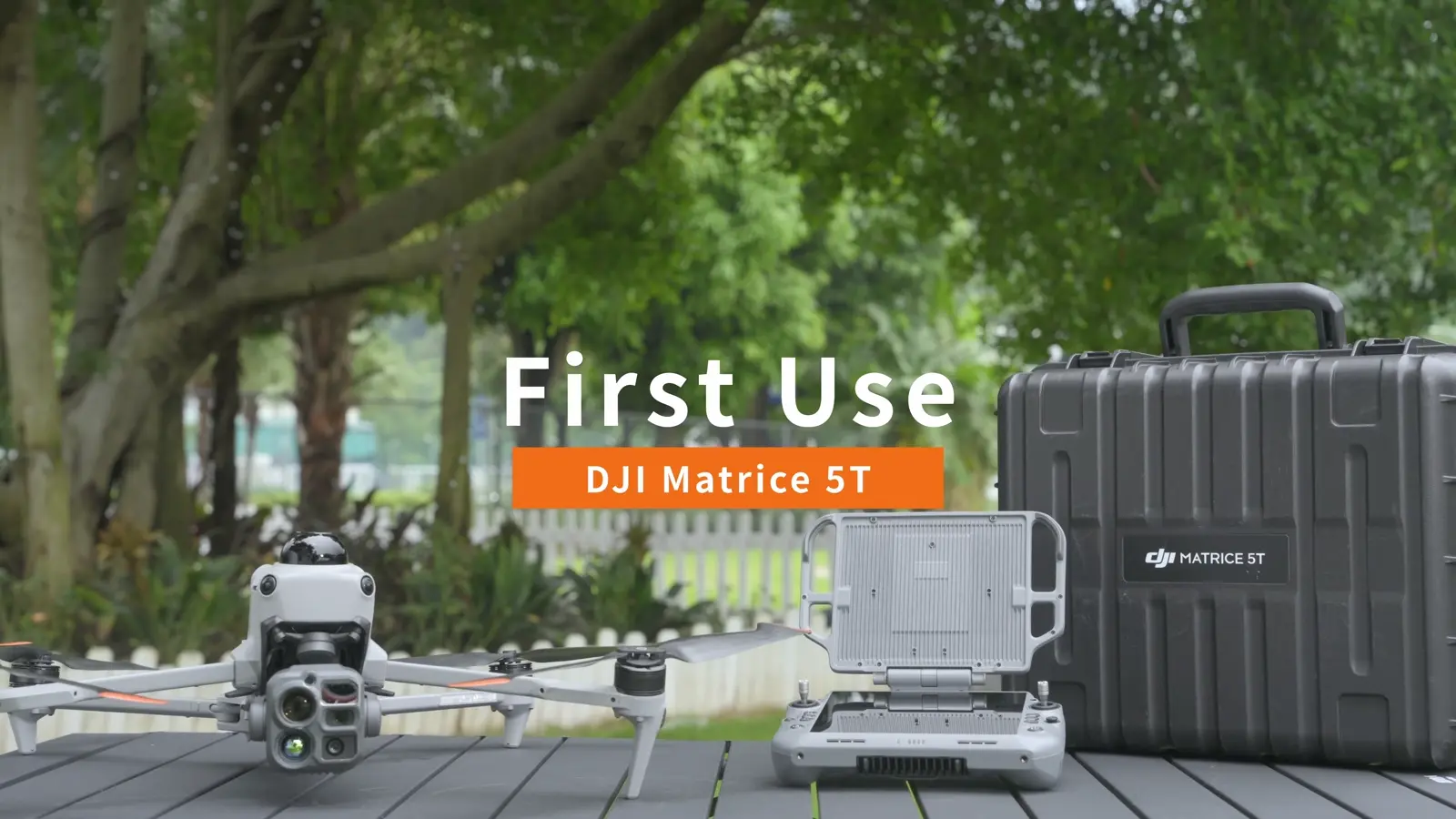
Get to know Matrice 5T
A guided tour of the imaging, sensing and deployment capabilities shown in DJI’s product film.
Open lesson ↗02 / EssentialPrepare for your first flight
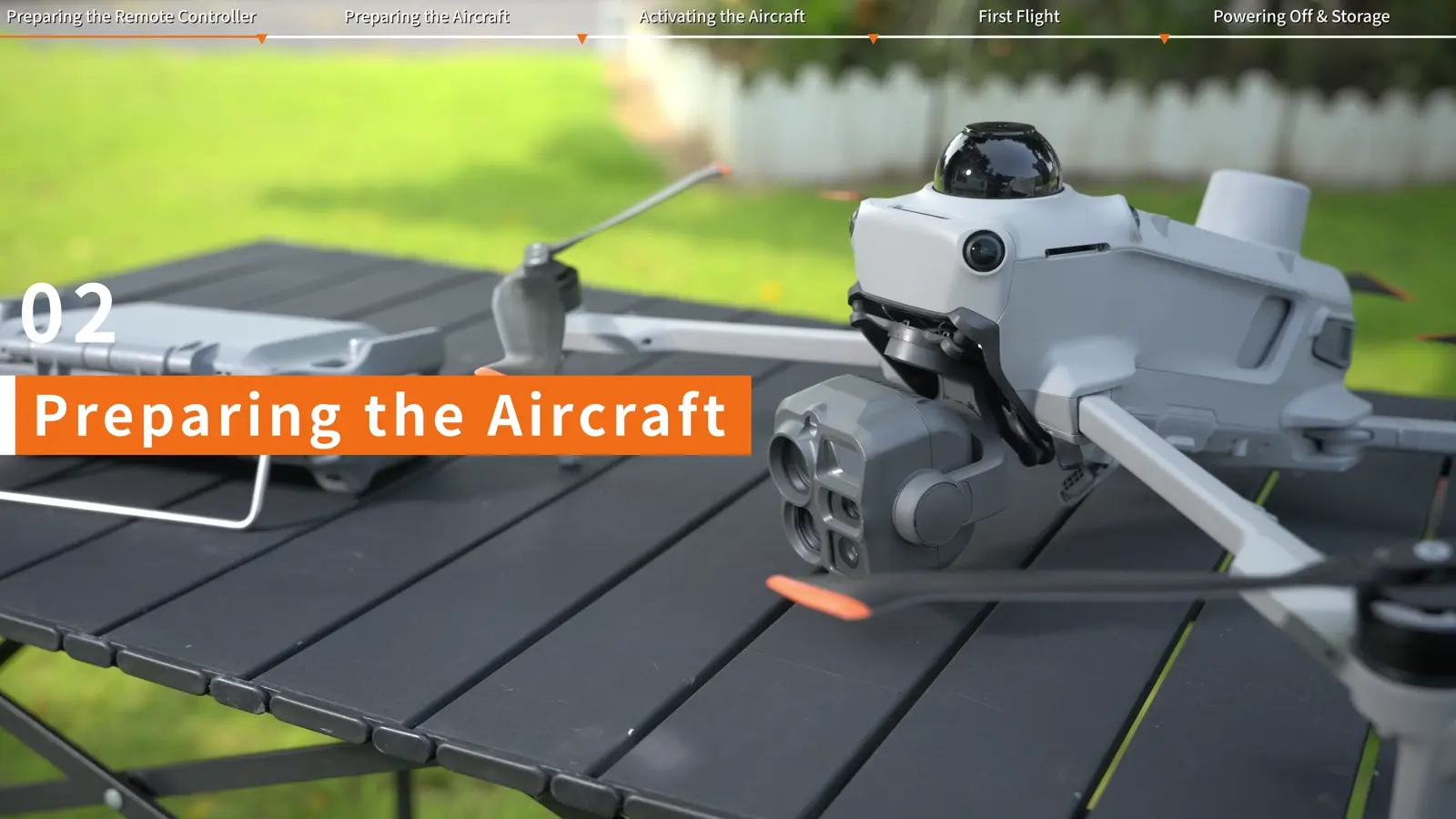
Unpack, charge, assemble and activate the aircraft, then establish a repeatable launch and pack-down routine.
Open lesson ↗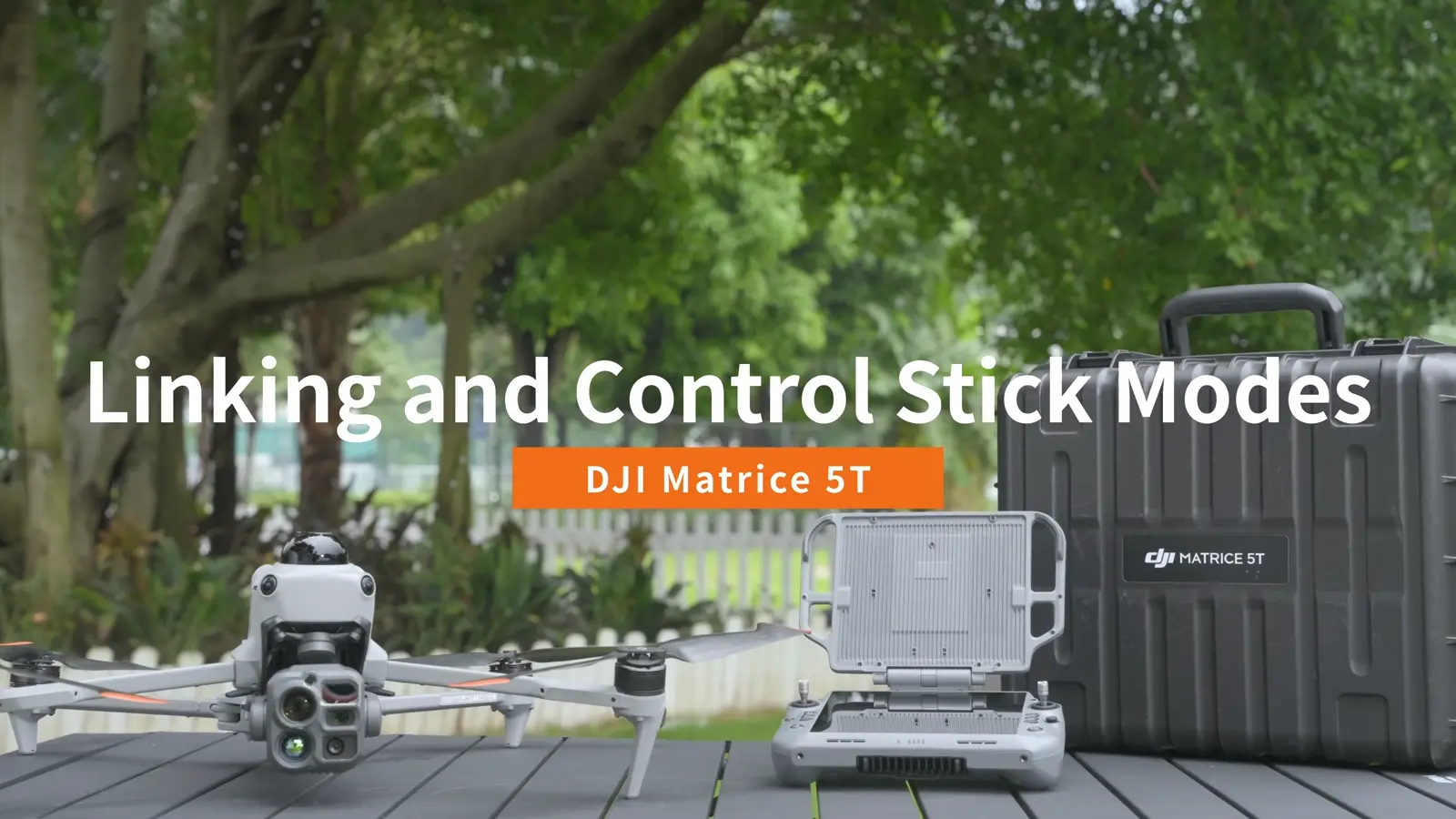 03 / Essential
Link the controller and learn the controls
Connect RC Plus 3 Enterprise to Matrice 5T and practise the Mode 2 stick layout.
Open lesson ↗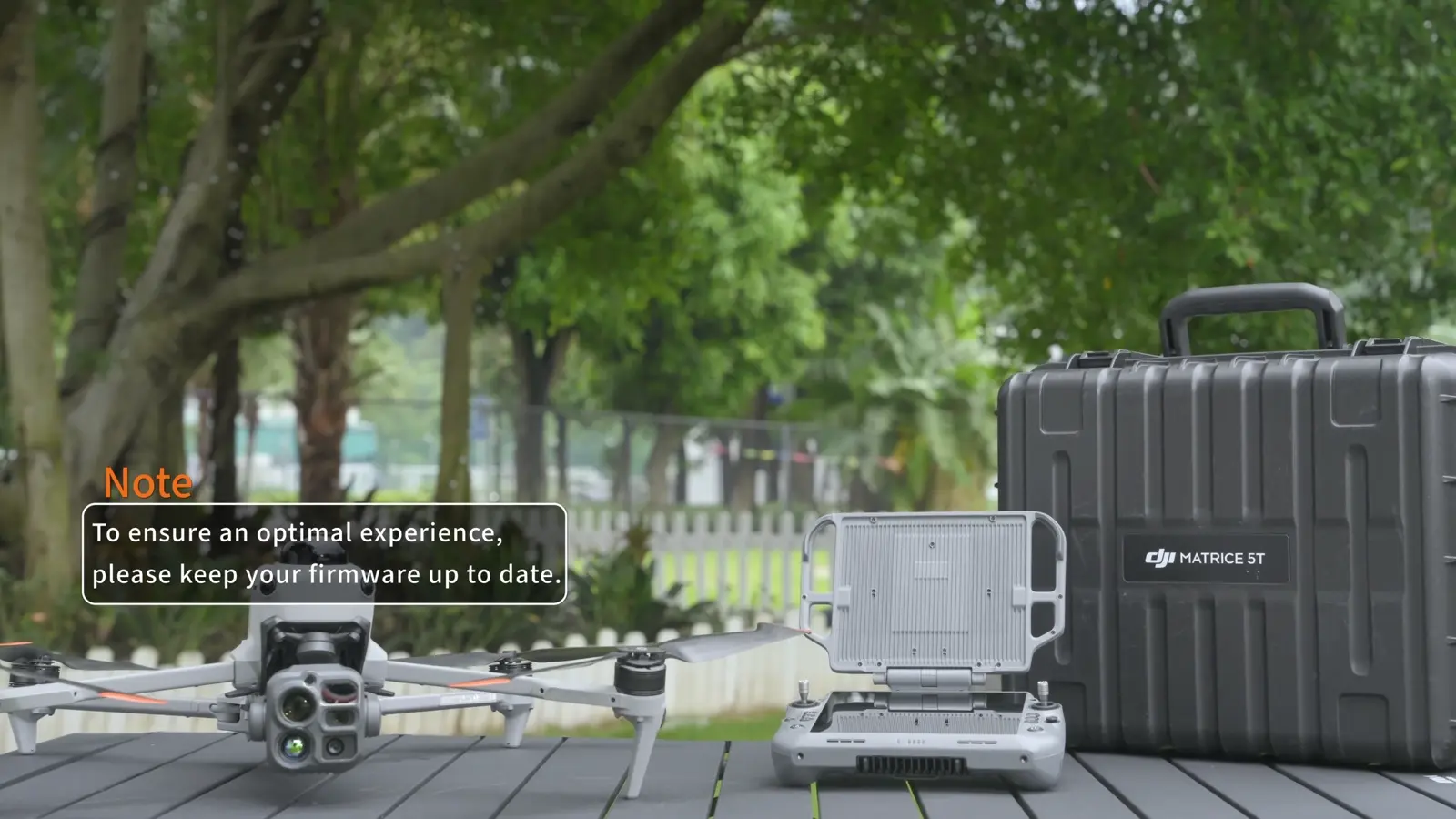 04 / Essential
Update aircraft and controller firmware
Follow DJI’s online, offline and Assistant 2 update workflows, then check the complete system.
Open lesson ↗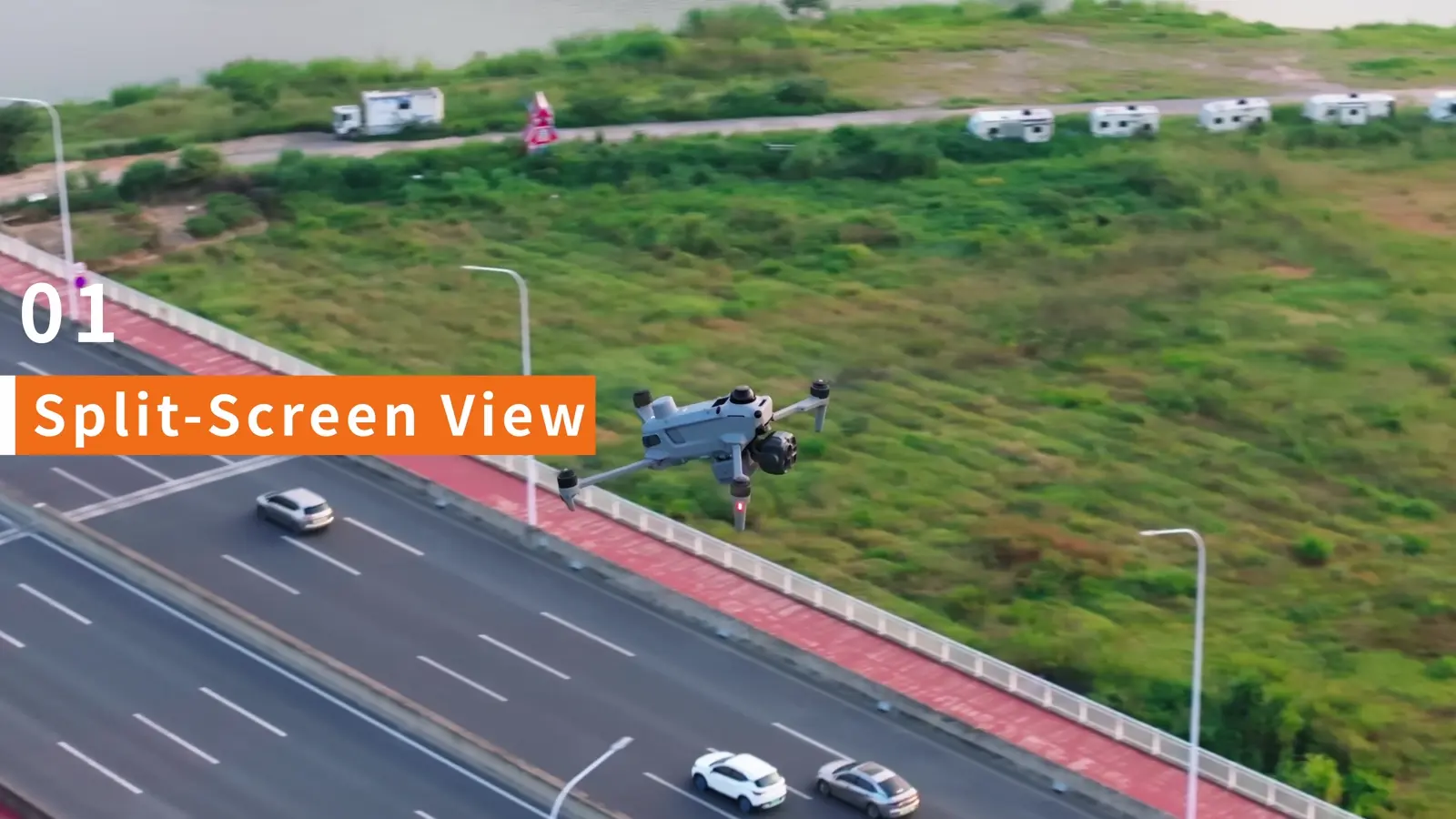 05 / Camera skills
Use split-screen, night vision and thermal fusion
Build a camera view that pairs detection, visual identification and flight awareness.
Open lesson ↗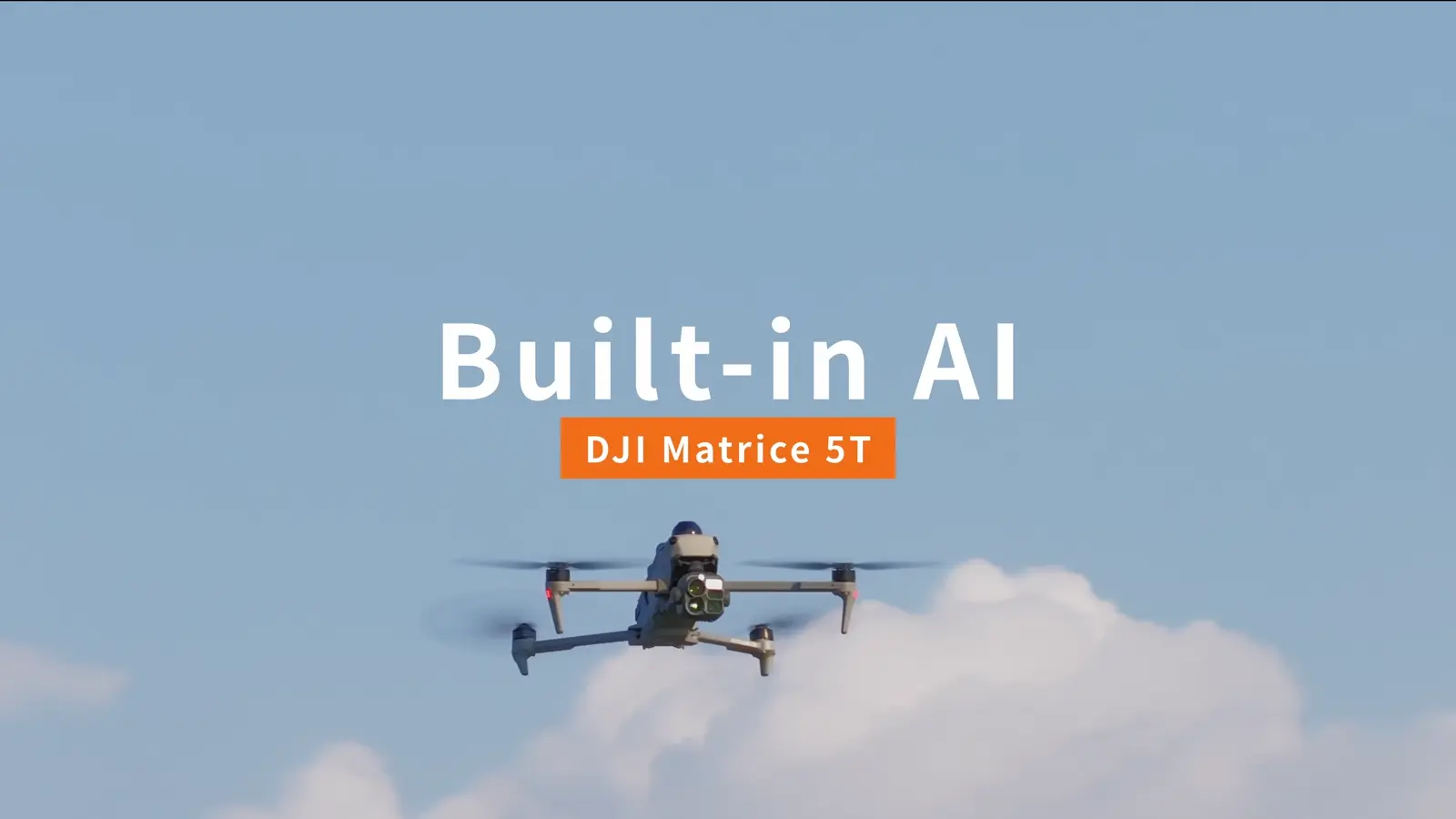 06 / Mission tools
Configure onboard AI detection
Select detection tasks, refine the displayed results and coordinate visible and infrared views.
Open lesson ↗07 / AccessoriesInstall and operate the AL2 Spotlight
Fit the spotlight, activate it and practise lighting modes, aiming and controller shortcuts.
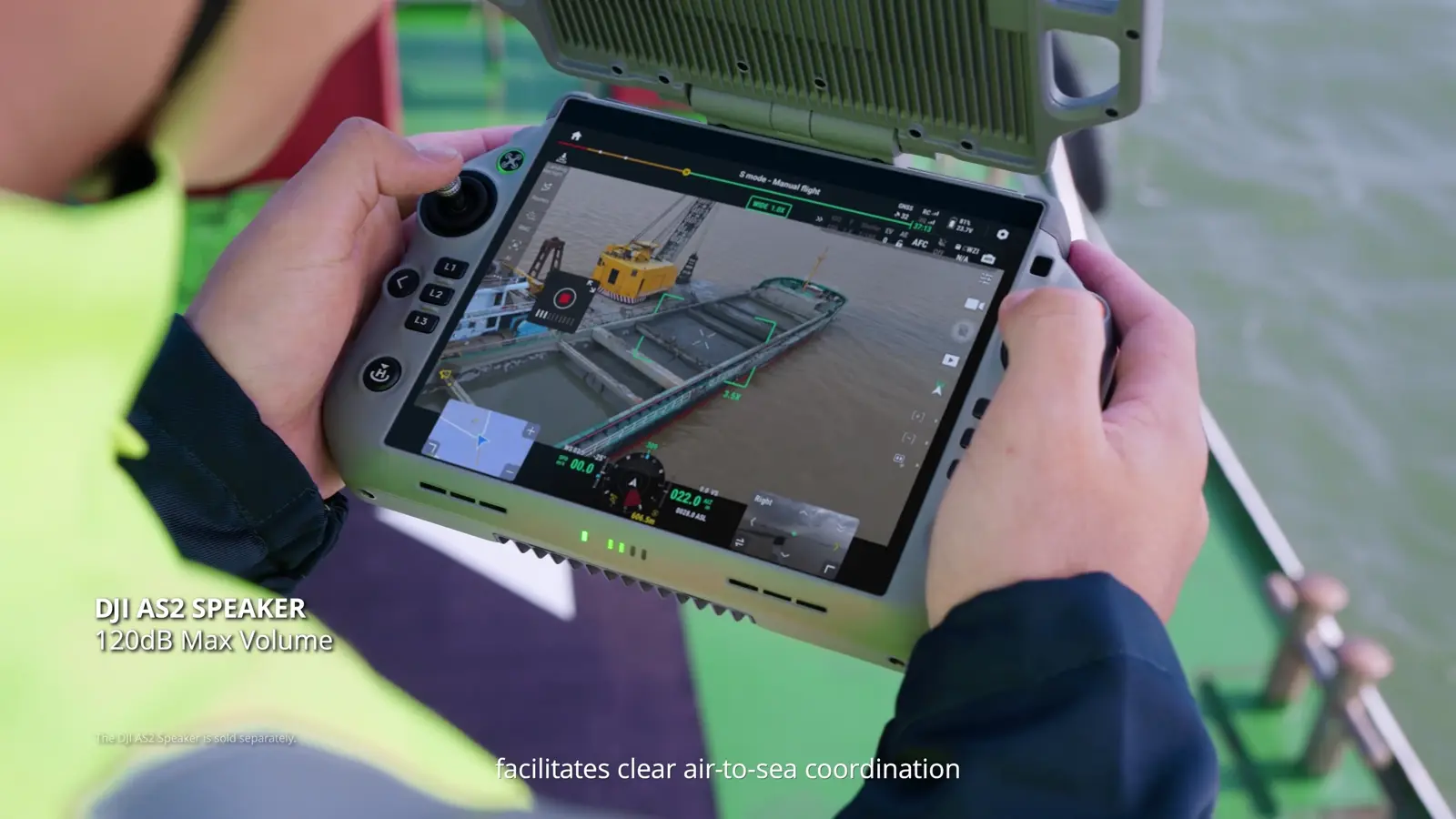
Open lesson ↗08 / AccessoriesInstall and broadcast with the AS2 Speaker
Prepare recorded messages, text-to-speech and live audio, then operate the integrated strobe.
Open lesson ↗09 / AdvancedPrepare a boat launch and deck landing
Set up the deck marker, moving home point and Landing Recognition workflow shown by DJI.
Open lesson ↗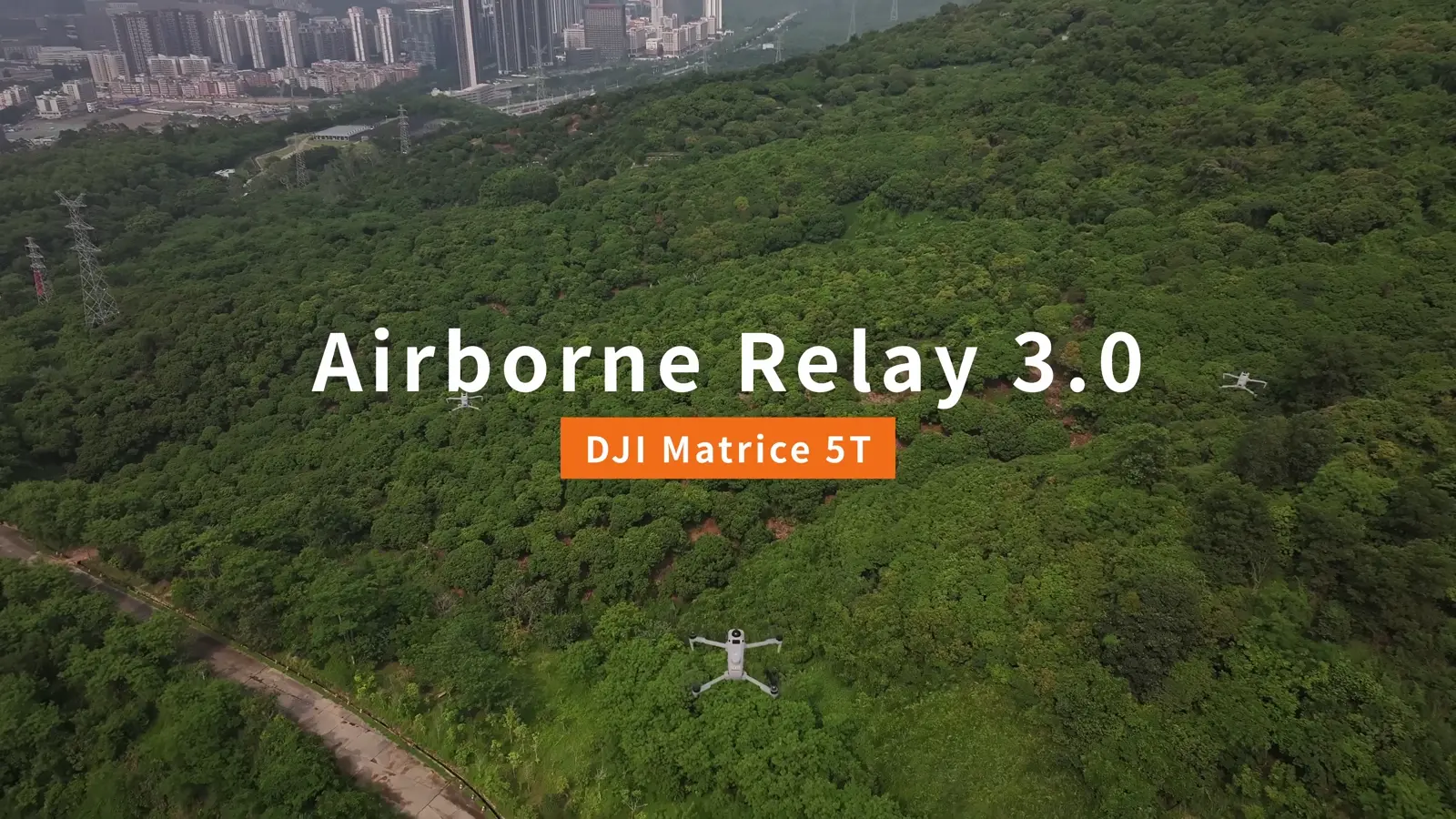 10 / Advanced
Build an Airborne Relay 3.0 workflow
Understand relay and working-aircraft roles, linking and in-flight management across DJI’s demonstrated arrangements.
Open lesson ↗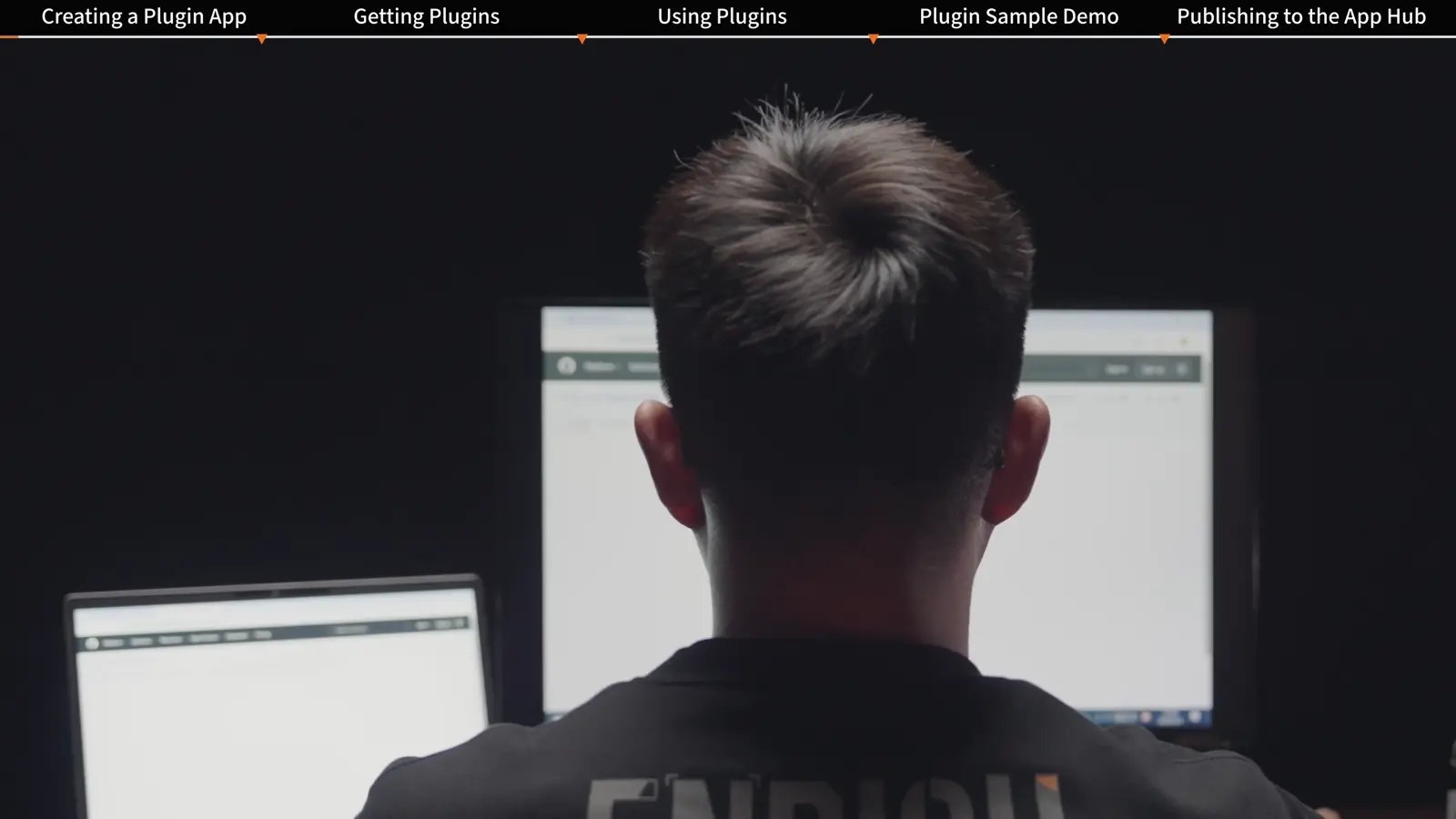 11 / Integrations
Explore DJI Pilot 2 plugins
Follow the plugin discovery, management and example application workflow for extending DJI Pilot 2.
Open lesson ↗Go deeper into the workflow.
Meet the DJI Matrice 5T ↗
The new portable thermal platform, its camera system and the missions it serves.
From thermal detection to visual detail ↗
Use native 1K thermal, split-screen and fusion to build a clearer inspection record.
Build your Matrice 5T field kit ↗
Standard box contents, spare batteries, AL2 lighting and AS2 communications.
A repeatable first-flight workflow ↗
Charging, activation, linking, firmware and the checks that make handovers easier.
Plan an airborne relay mission ↗
Understand the aircraft roles, link path and battery rotation before setting up.
Matrice 5T and 5TD: choose your operating model ↗
Portable field deployment or a Dock 4 installation: compare the two workflows.
Your Matrice 5T questions.
How do Matrice 5T and Matrice 5TD differ?
Matrice 5T is the portable aircraft operated with RC Plus 3 Enterprise. Matrice 5TD is the aircraft for DJI Dock 4 and remotely managed dock operations. Choose the operating model first, then specify the matching equipment.
What does native 1K thermal mean?
The thermal detector has 1280 × 1024 native pixels. UHR mode processes the image into a 2560 × 2048 output. Split-screen and fusion pair thermal observations with visible camera detail.
Which accessories belong with Matrice 5T?
DJI AL2 Spotlight and AS2 Speaker are the dedicated lighting and audio accessories. Matrice 5 Series batteries and charging equipment complete the field-power workflow. Select the Matrice 5T-compatible versions when building the package.
How do I get a Canadian price?
Request a quotation for the aircraft kit and your chosen battery quantity, accessories, Care Enterprise Plus configuration and training. SkyFlow will itemize the package in Canadian dollars.
Where should a new operator begin?
Start with First Use, Linking and Controls, and Firmware Update. Continue with Camera Features, then add the accessory or advanced-operation lessons that match your mission.
Build the package
your team will use.
Bring us the mission. We’ll help put the aircraft, accessories and learning path together.