
Matrice 5T.
The complete tutorial series.
Eleven in-depth SkyFlow guides to the Matrice 5T. Find exact controls, illustrated procedures, reference tables, crew checklists and searchable transcripts—from first activation to multi-aircraft relay operations.
Your first session
Follow First Use, Linking and Controls and Firmware Update. Practise the camera workflow before adding mission equipment.
 01 / Start here
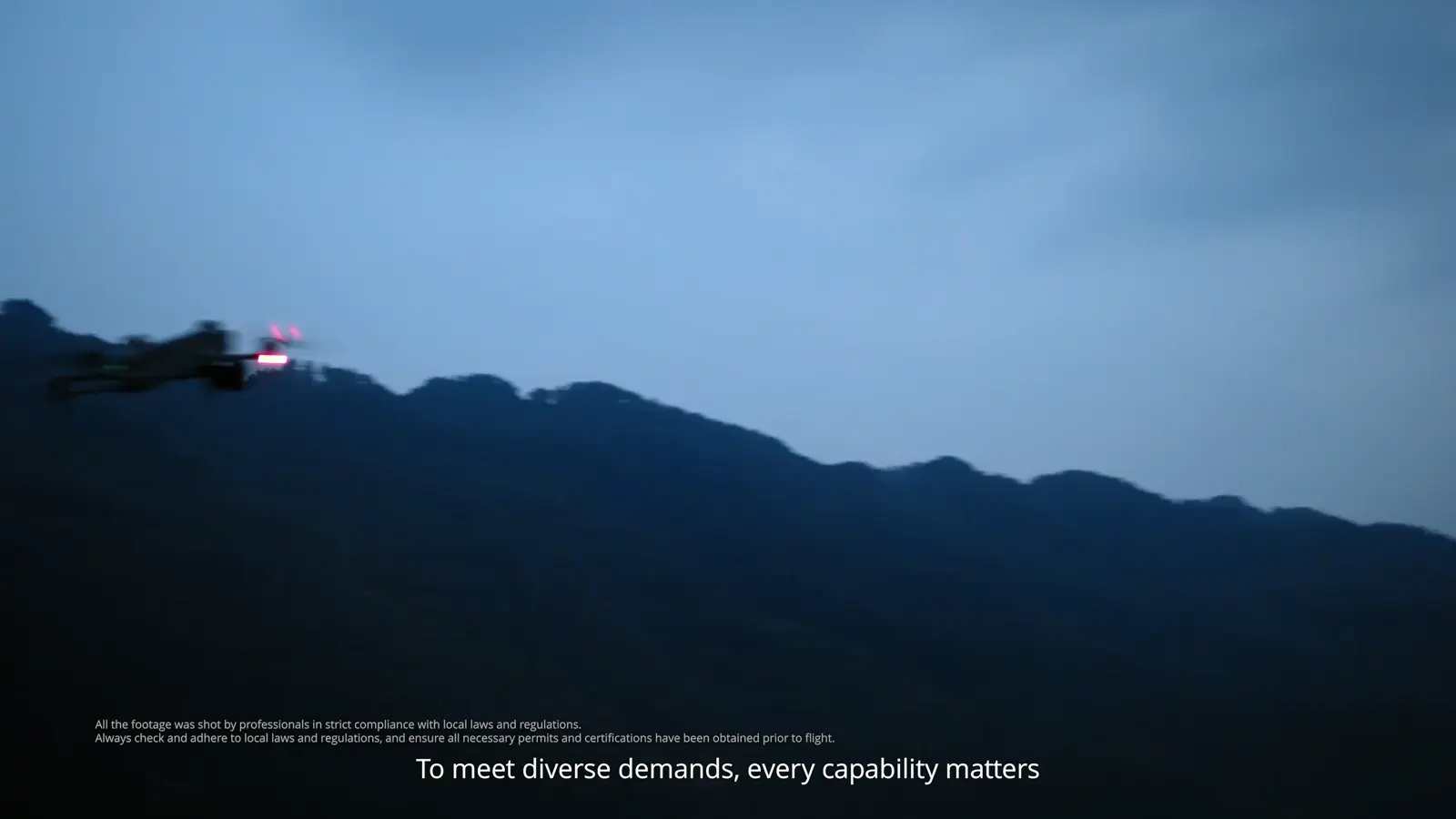
Get to know Matrice 5T
A guided tour of the imaging, sensing and deployment capabilities shown in DJI’s product film.
7 sections · 6 min read · Full transcriptRead the illustrated guide ↗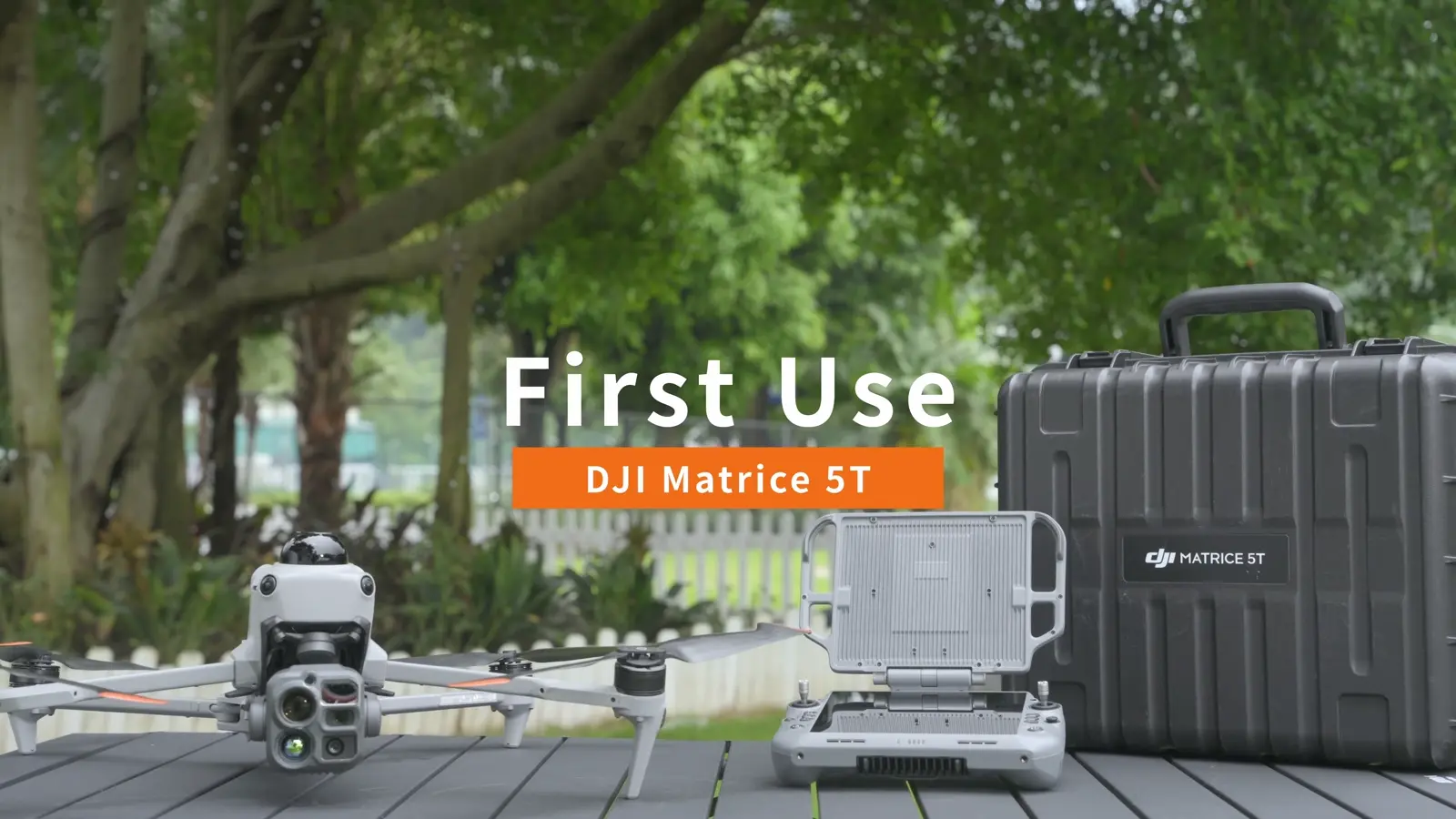 02 / Essential
Prepare for your first flight
Unpack, charge, assemble and activate the aircraft, then establish a repeatable launch and pack-down routine.
7 sections · 5 min read · Full transcriptRead the illustrated guide ↗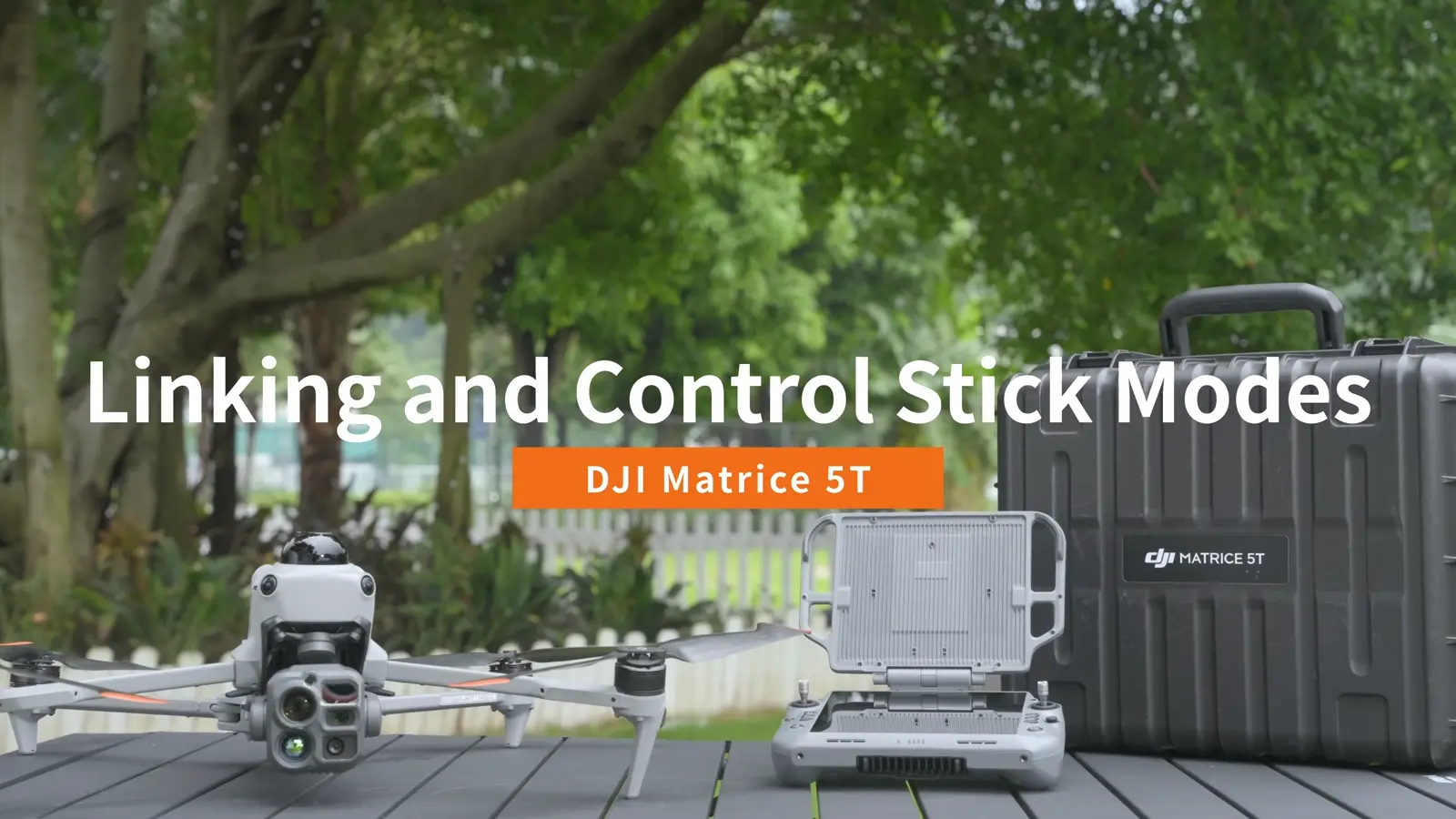 03 / Essential
Link the controller and learn the controls
Connect RC Plus 3 Enterprise to Matrice 5T and practise the Mode 2 stick layout.
6 sections · 4 min read · Full transcriptRead the illustrated guide ↗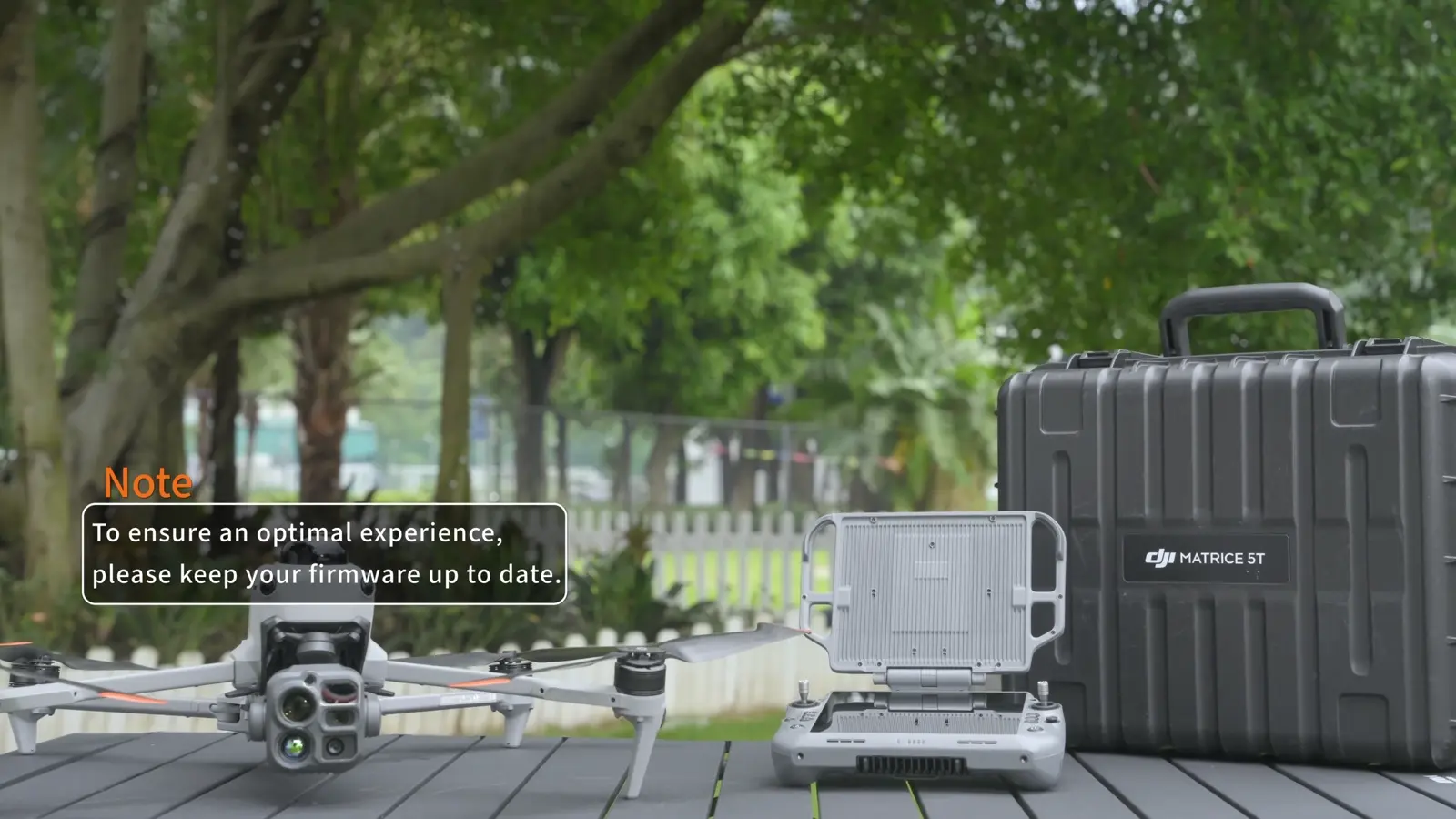 04 / Essential
Update aircraft and controller firmware
Follow DJI’s online, offline and Assistant 2 update workflows, then check the complete system.
6 sections · 4 min read · Full transcriptRead the illustrated guide ↗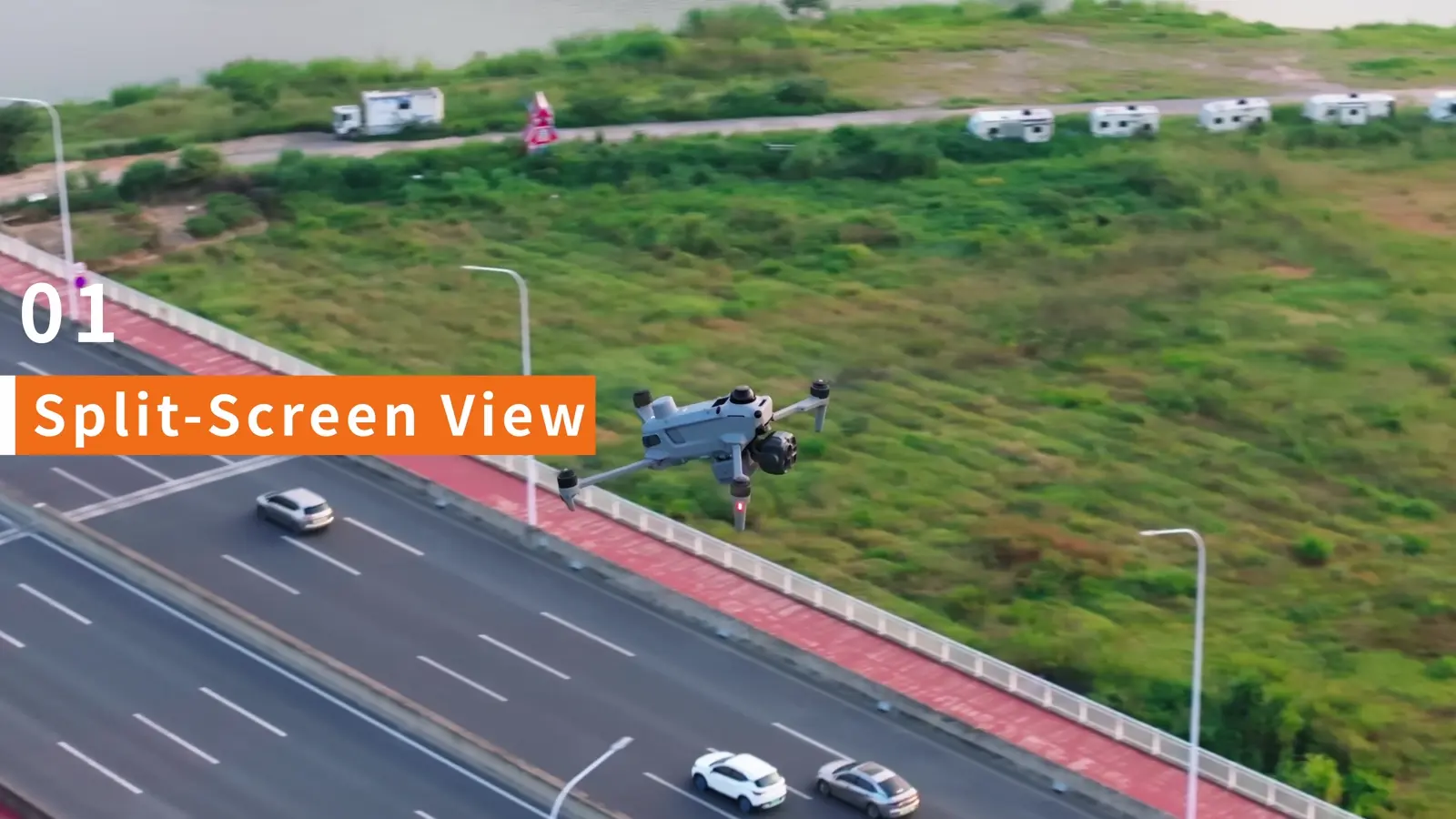 05 / Camera skills
Use split-screen, night vision and thermal fusion
Build a camera view that pairs detection, visual identification and flight awareness.
7 sections · 5 min read · Full transcriptRead the illustrated guide ↗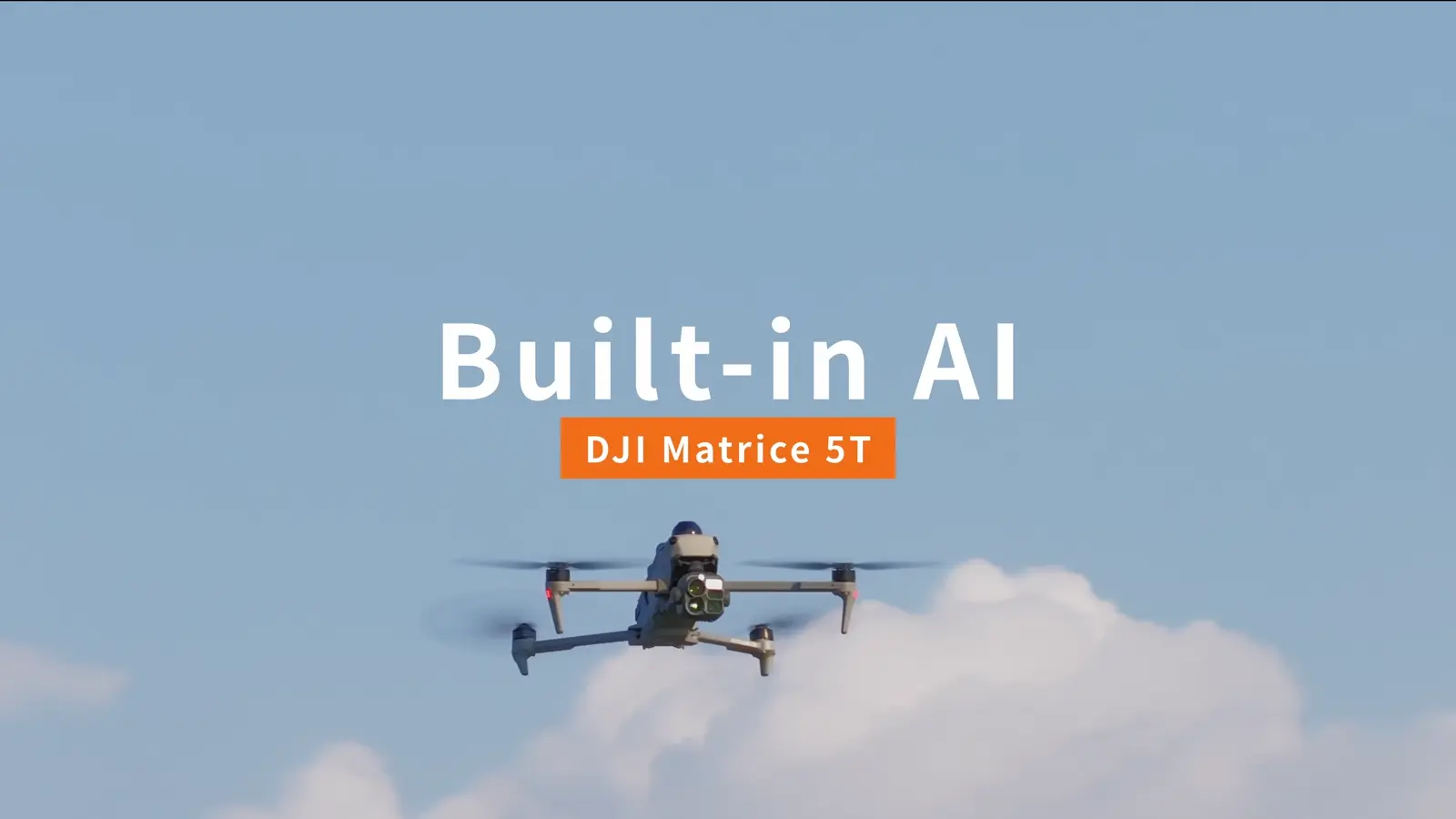 06 / Mission tools
Configure onboard AI detection
Select detection tasks, refine the displayed results and coordinate visible and infrared views.
6 sections · 4 min read · Full transcriptRead the illustrated guide ↗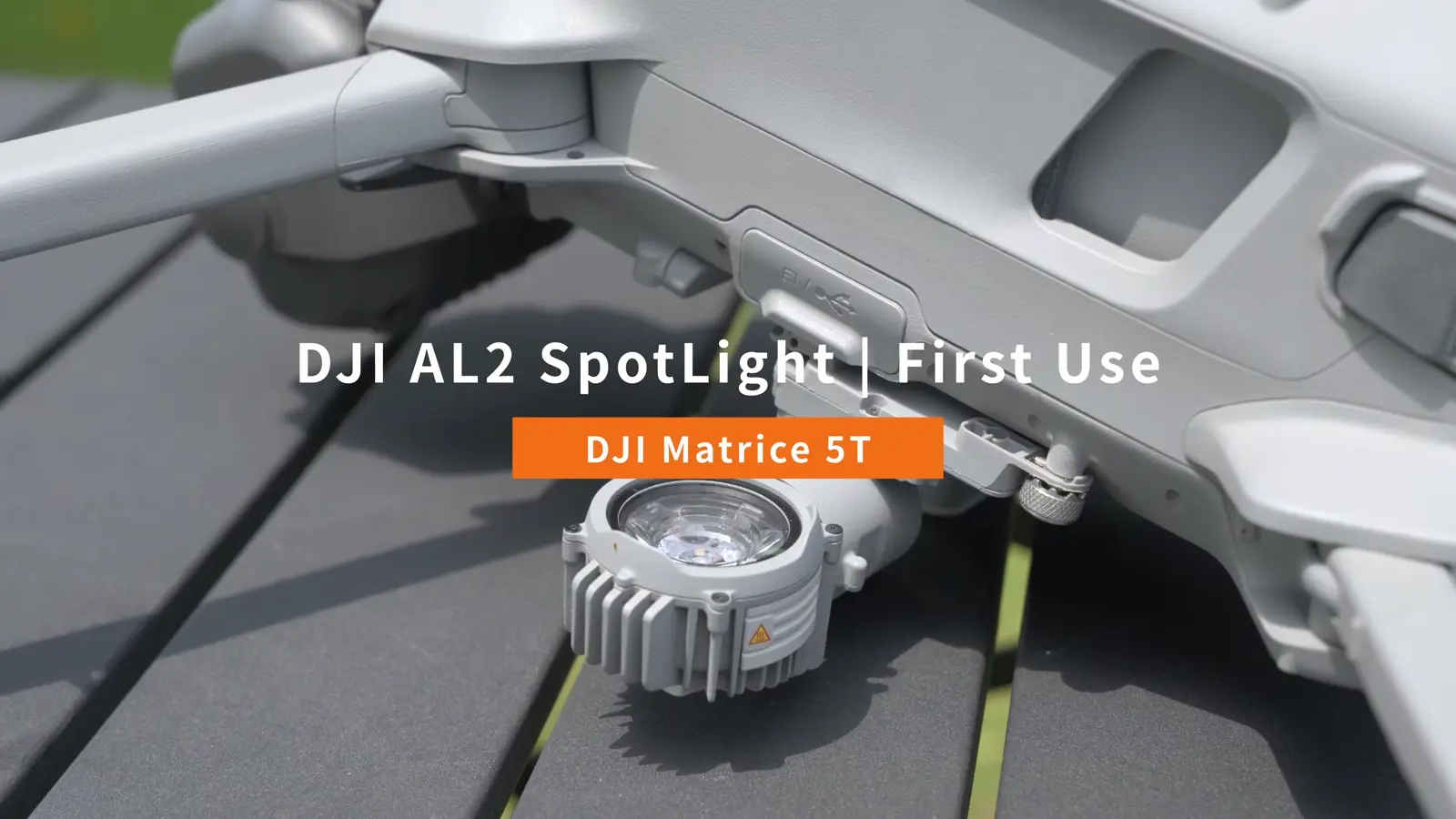 07 / Accessories
Install and operate the AL2 Spotlight
Fit the spotlight, activate it and practise lighting modes, aiming and controller shortcuts.
7 sections · 5 min read · Full transcriptRead the illustrated guide ↗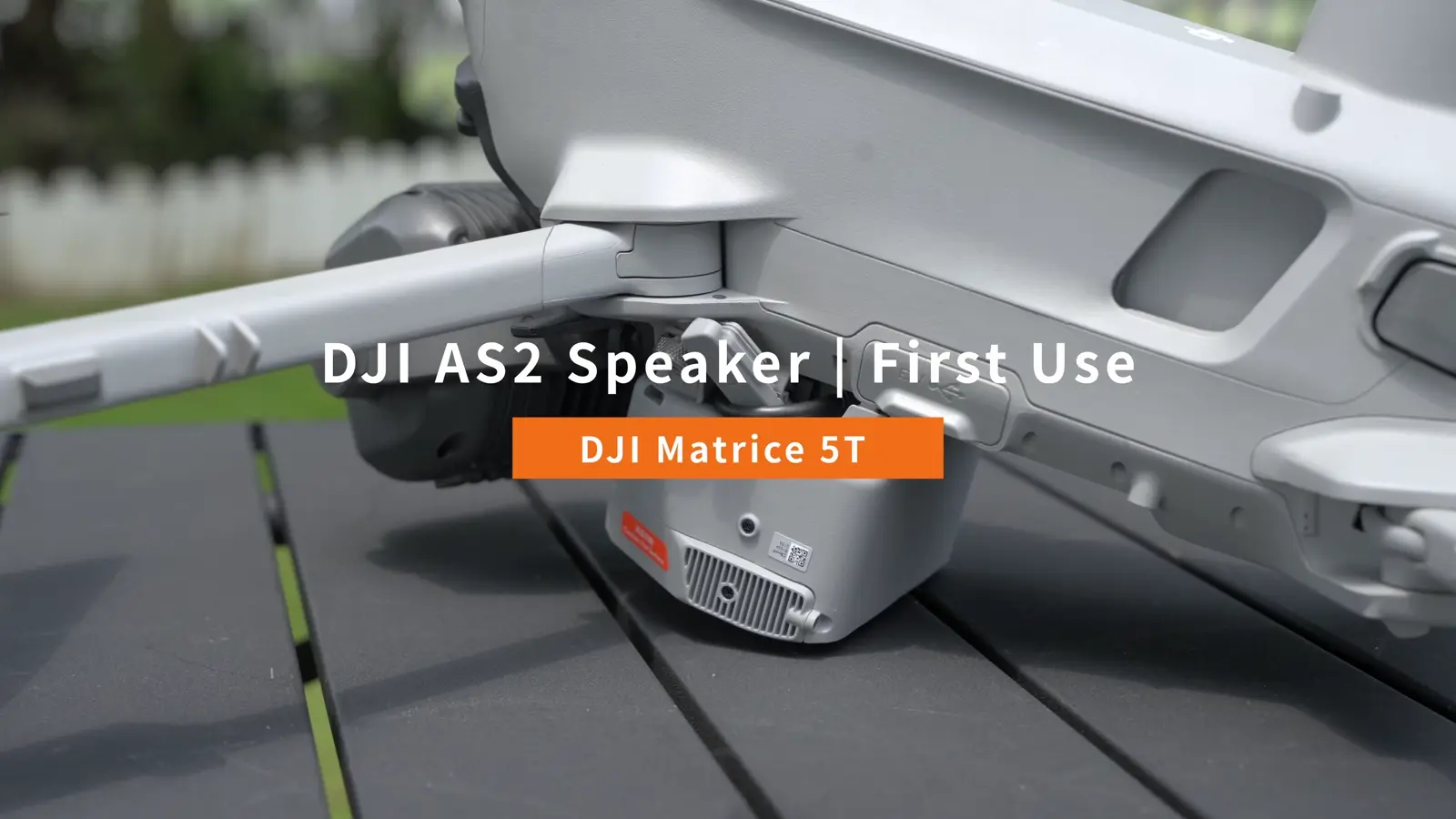 08 / Accessories
Install and broadcast with the AS2 Speaker
Prepare recorded messages, text-to-speech and live audio, then operate the integrated strobe.
8 sections · 6 min read · Full transcriptRead the illustrated guide ↗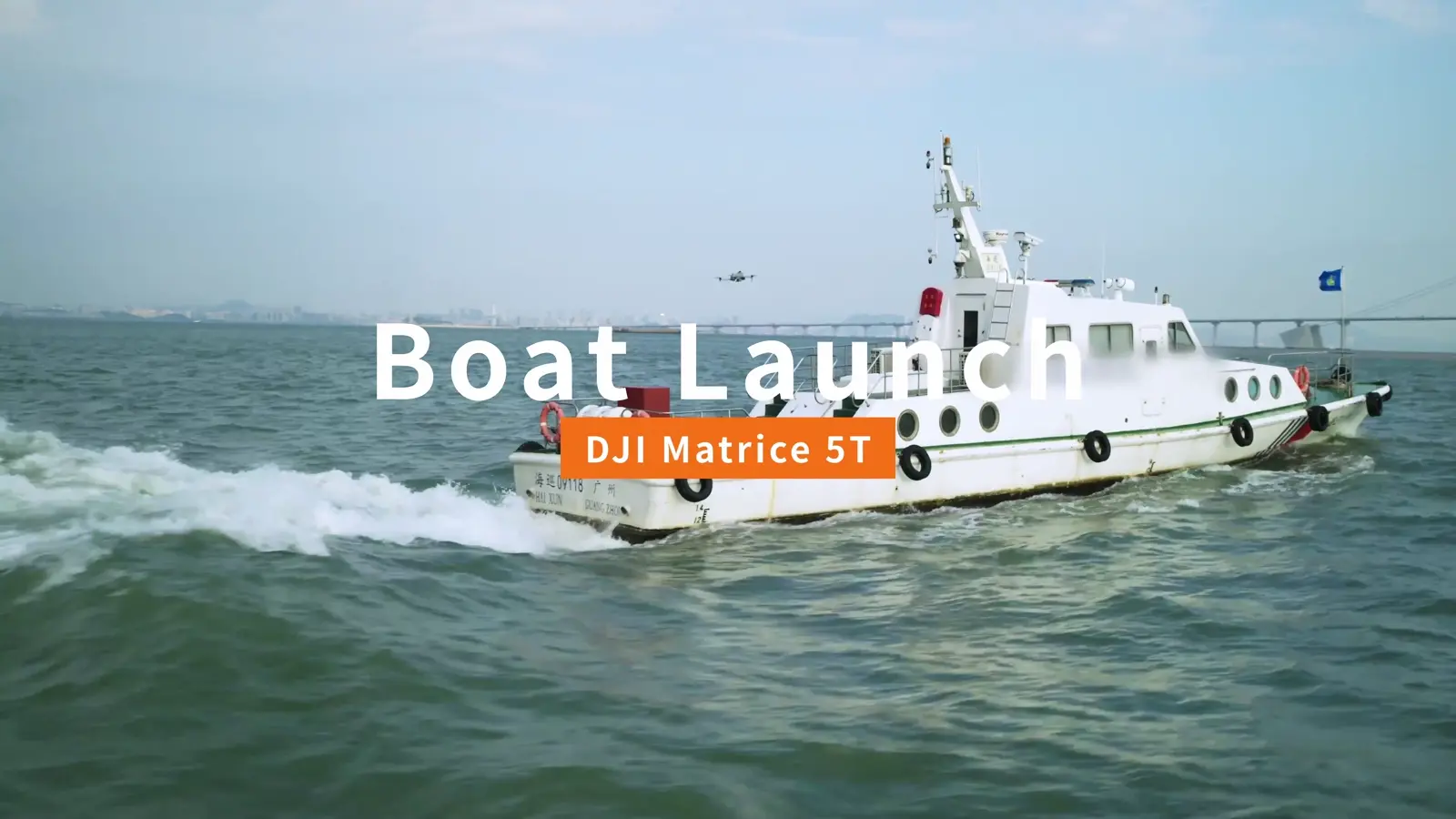 09 / Advanced
Prepare a boat launch and deck landing
Set up the deck marker, moving home point and Landing Recognition workflow shown by DJI.
7 sections · 5 min read · Full transcriptRead the illustrated guide ↗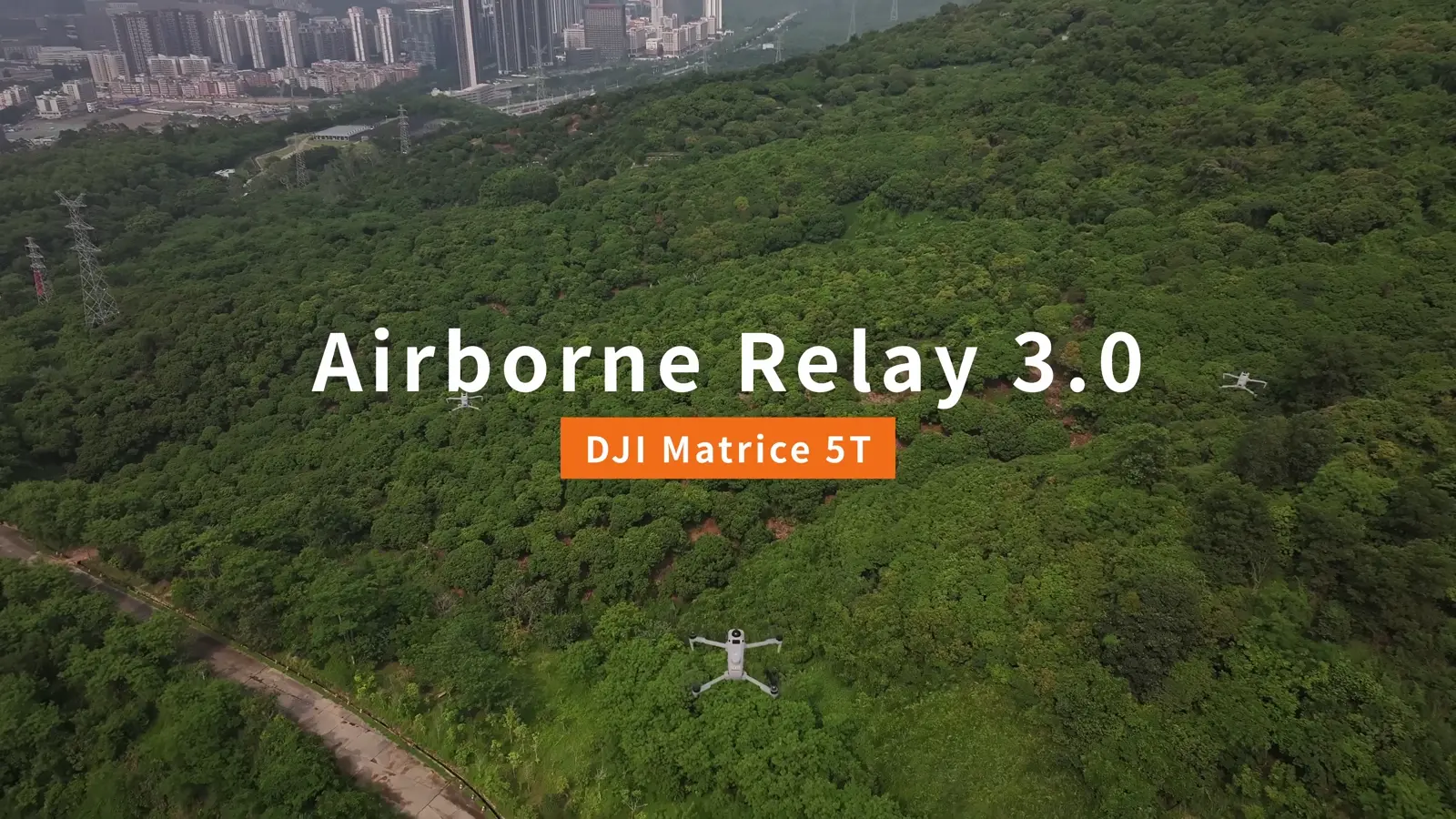 10 / Advanced
Build an Airborne Relay 3.0 workflow
Understand relay and working-aircraft roles, linking and in-flight management across DJI’s demonstrated arrangements.
10 sections · 7 min read · Full transcriptRead the illustrated guide ↗ 11 / Integrations
Explore DJI Pilot 2 plugins
Follow the plugin discovery, management and example application workflow for extending DJI Pilot 2.
7 sections · 4 min read · Full transcriptRead the illustrated guide ↗