EVO Lite 640T Enterprise · SE V2 controller · v1.0.2
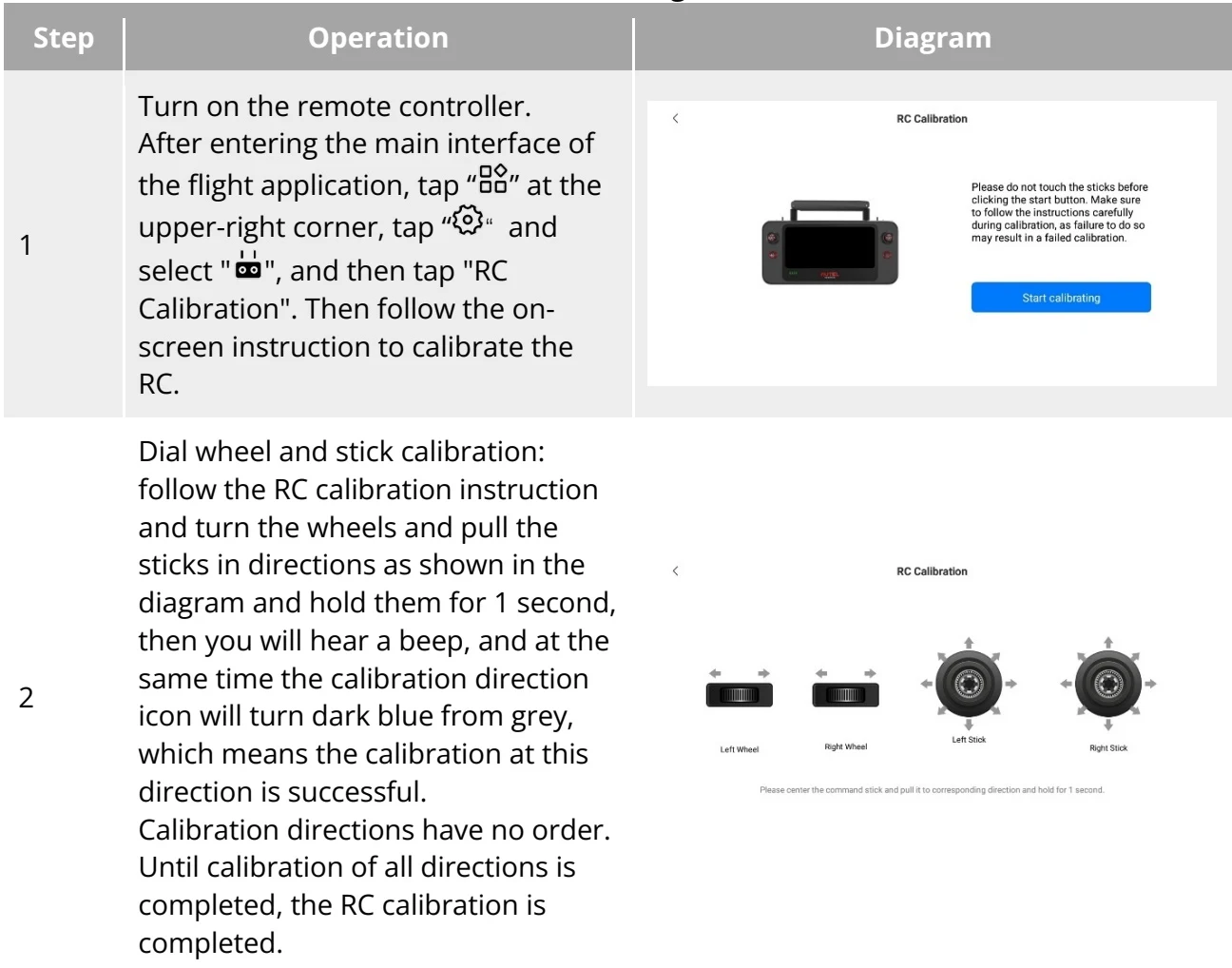
If there is abnormal situation in using the RC, it is recommended to calibrate it as shown below. PDF p. 87
| Step | Operation | 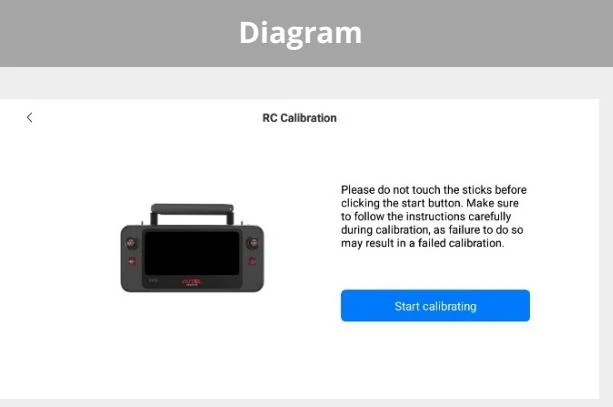 |
| 1 | Turn on the remote controller. After entering the main interface of the flight application, tap "◇" at the upper-right corner, tap "◇" and select "◇", and then tap "RC Calibration". Then follow the on-screen instruction to calibrate the RC. | |
| 2 | Dial wheel and stick calibration: follow the RC calibration instruction and turn the wheels and pull the sticks in directions as shown in the diagram and hold them for 1 second, then you will hear a beep, and at the same time the calibration direction icon will turn dark blue from grey, which means the calibration at this direction is successful.Calibration directions have no order.Until calibration of all directions is completed, the RC calibration is completed. | 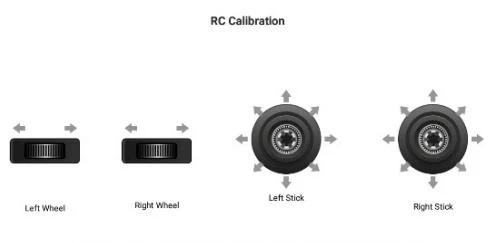 Please center the command stick and pull it to corresponding direction and hold for 1 second. Please center the command stick and pull it to corresponding direction and hold for 1 second. |
View the original table / diagram