EVO Lite 640T Enterprise · SE V2 controller · v1.0.2
Turning the Remote Controller On
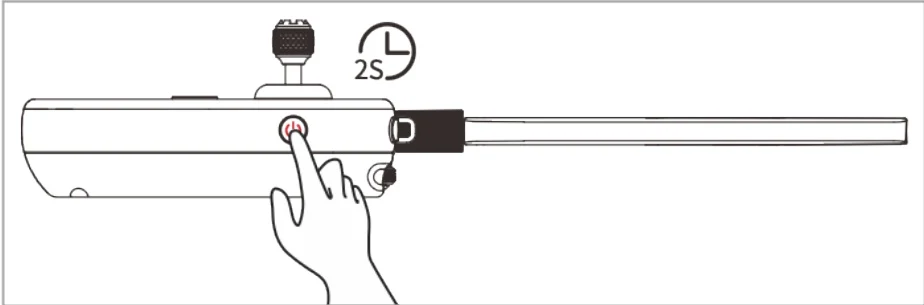
PDF p. 71Press and hold the power button at the right side of the remote controller for 2 seconds until the controller emits a "beep" sound to turn it on. PDF p. 71
Turning the Remote Controller Off
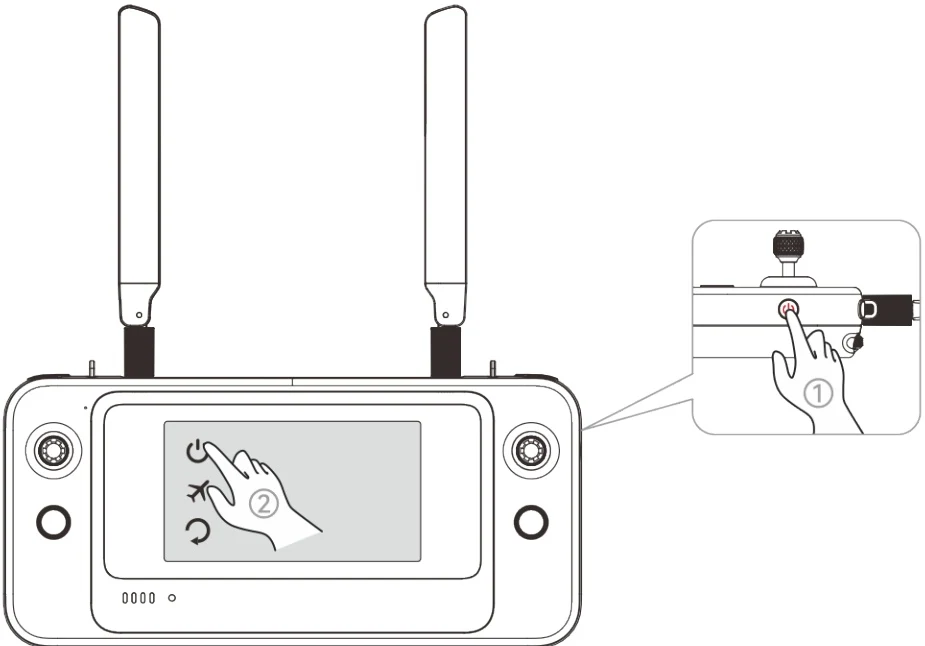
PDF p. 71When the remote controller is on, press and hold the power button at the right side of the remote controller until the "Power off", ”Airplane mode”, and "Restart" icons appear at the top PDF p. 71
of the controller's screen. Tapping the "Power off" icon will turn off the remote controller. Tapping the "Restart" icon will restart the remote controller. PDF p. 72