EVO Lite 640T Enterprise · SE V2 controller · v1.0.2
| No. | Icon | Meaning | Description |
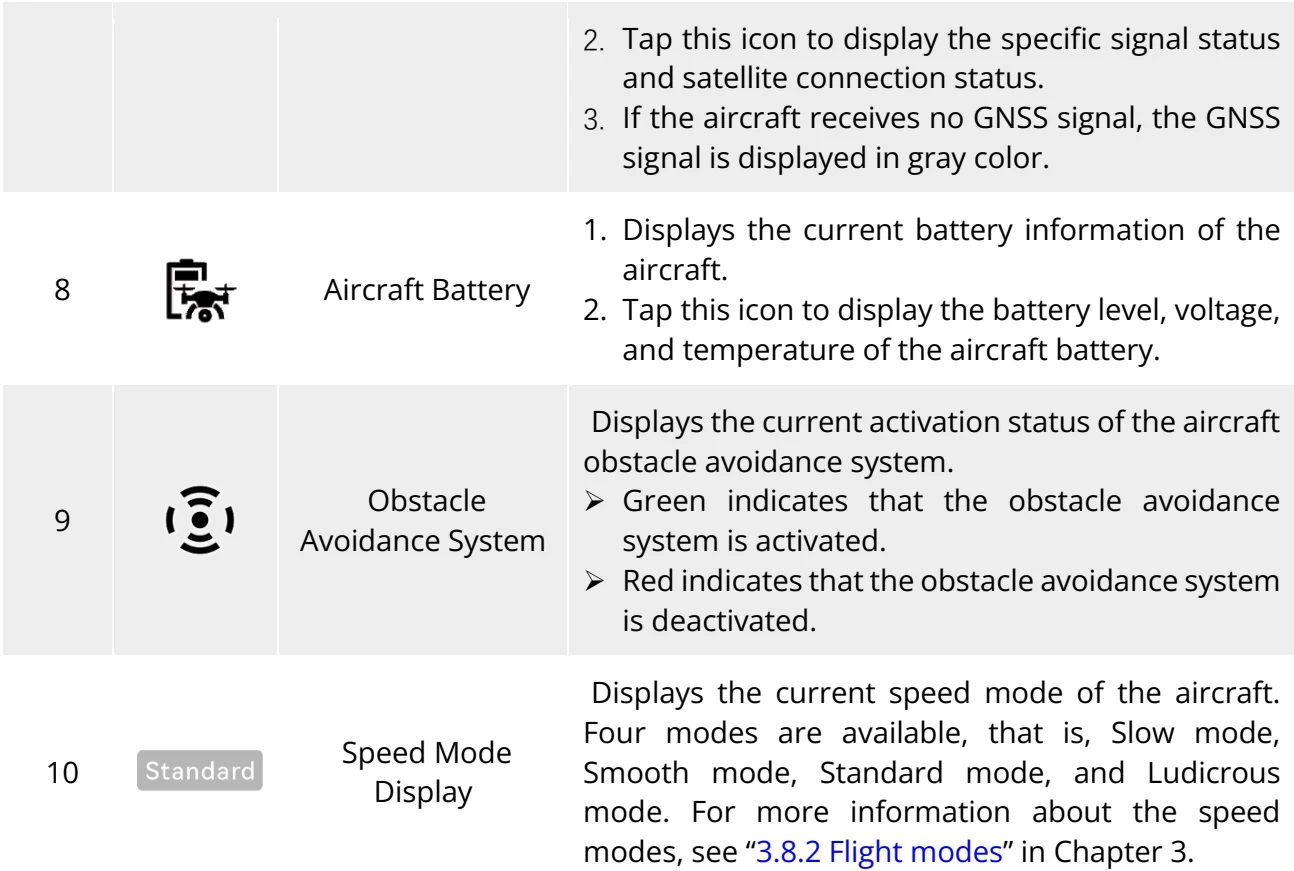
| 1 | The compass is abn... | Status and Fault Warning | Displays the current warning information of the aircraft:➤ Gray indicates that the remote controller is not connected to the aircraft.➤ Orange indicates a medium-level warning. In this case, the aircraft will not be prohibited from taking off but should pay attention to flight safety.➤ Red indicates a high-level warning. In this case, the aircraft will be prohibited from taking off and can take off only after you solve the fault. |
| 2 | Visual Positioning Mod... | Flight Status | Displays the current flight status.There are 3 modes: GNSS mode, visual positioning mode, and ATTI mode. For more information, see "3.8.1 Flight status" in Chapter 3. |
| 3 | Manual Flight | Mission Status | Displays the current mission type and mission status of the aircraft. |
| 4 | No SD Card | Indicates that there is no microSD card installed in the aircraft currently. | |
| 5 | Remote Controller Battery | Displays the current battery level of the remote controller. | |
| 6 | RC... | Remote Controller Signal Status | 1. Displays the current communication signal status between the remote controller and the aircraft.2. Tap this icon to display the specific signal status: When the signal is 3-5 grids, the remote controller signal is displayed as strong.When the signal is 1-2 grids, the remote controller signal is displayed as weak.3. When the remote controller is not connected to the aircraft, the remote controller signal is displayed in gray color. |
| 7 | GNSS Signal Status | 1. Displays the current GNSS positioning signal status of the aircraft. |
View the original table / diagram
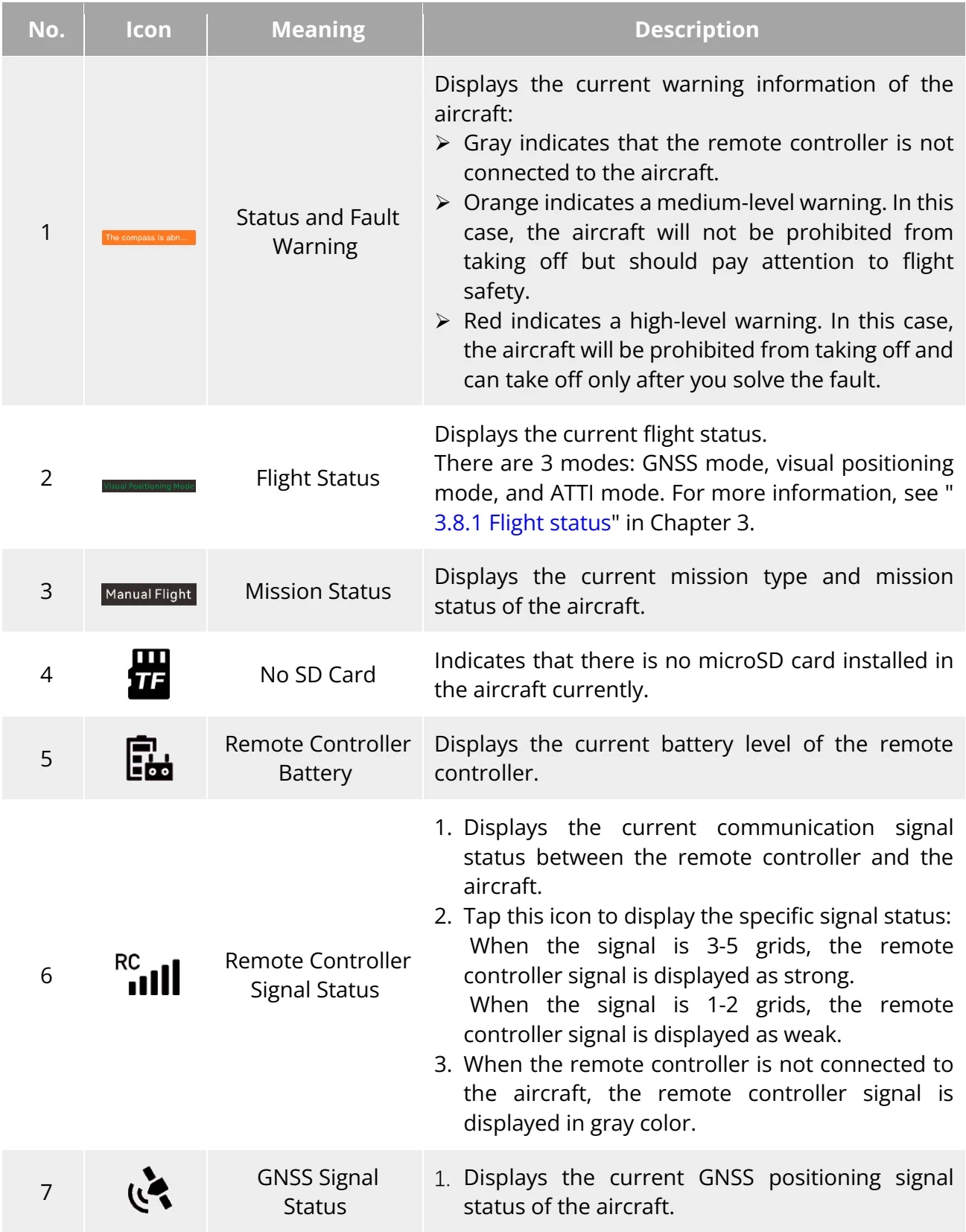
| 2. Tap this icon to display the specific signal status and satellite connection status.3. If the aircraft receives no GNSS signal, the GNSS signal is displayed in gray color. | |||
| 8 | Aircraft Battery | 1. Displays the current battery information of the aircraft.2. Tap this icon to display the battery level, voltage, and temperature of the aircraft battery. | |
| 9 | Obstacle Avoidance System | Displays the current activation status of the aircraft obstacle avoidance system.➢ Green indicates that the obstacle avoidance system is activated.➢ Red indicates that the obstacle avoidance system is deactivated. | |
| 10 | Standard | Speed Mode Display | Displays the current speed mode of the aircraft. Four modes are available, that is, Slow mode, Smooth mode, Standard mode, and Ludicrous mode. For more information about the speed modes, see “3.8.2 Flight modes” in Chapter 3. |
View the original table / diagram