
The RC features removable command sticks, which effectively reduce storage space and enable easy carrying and transportation. PDF p. 70
Installing command sticks
PDF p. 70Take out the command sticks from the command stick storage slots. Then rotate them clockwise to install them separately on the remote controller. PDF p. 70
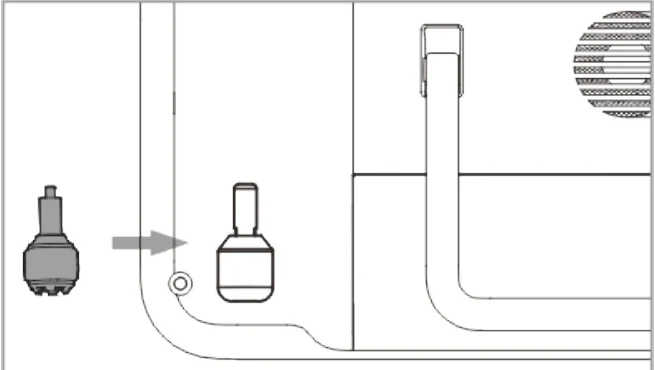
Storing Command sticks
PDF p. 71Rotate counterclockwise to remove the two command sticks and then store them in the command stick storage slots as shown below. PDF p. 71
Tips
PDF p. 71When the command sticks are not in use (such as during transportation and temporary aircraft standby), we recommend that you remove and store them in the storage slots. This can prevent you from accidentally touching the command sticks, causing damage to the sticks or unintended startup of the aircraft. PDF p. 71
When storing the sticks, please make sure that they are fully stored in the slots. PDF p. 71